MuteCast
Enjoy a more comfortable landscape layout on iPhone and iPad, easier search and queue access, and on-device Auto-Skip controlled by your settings.
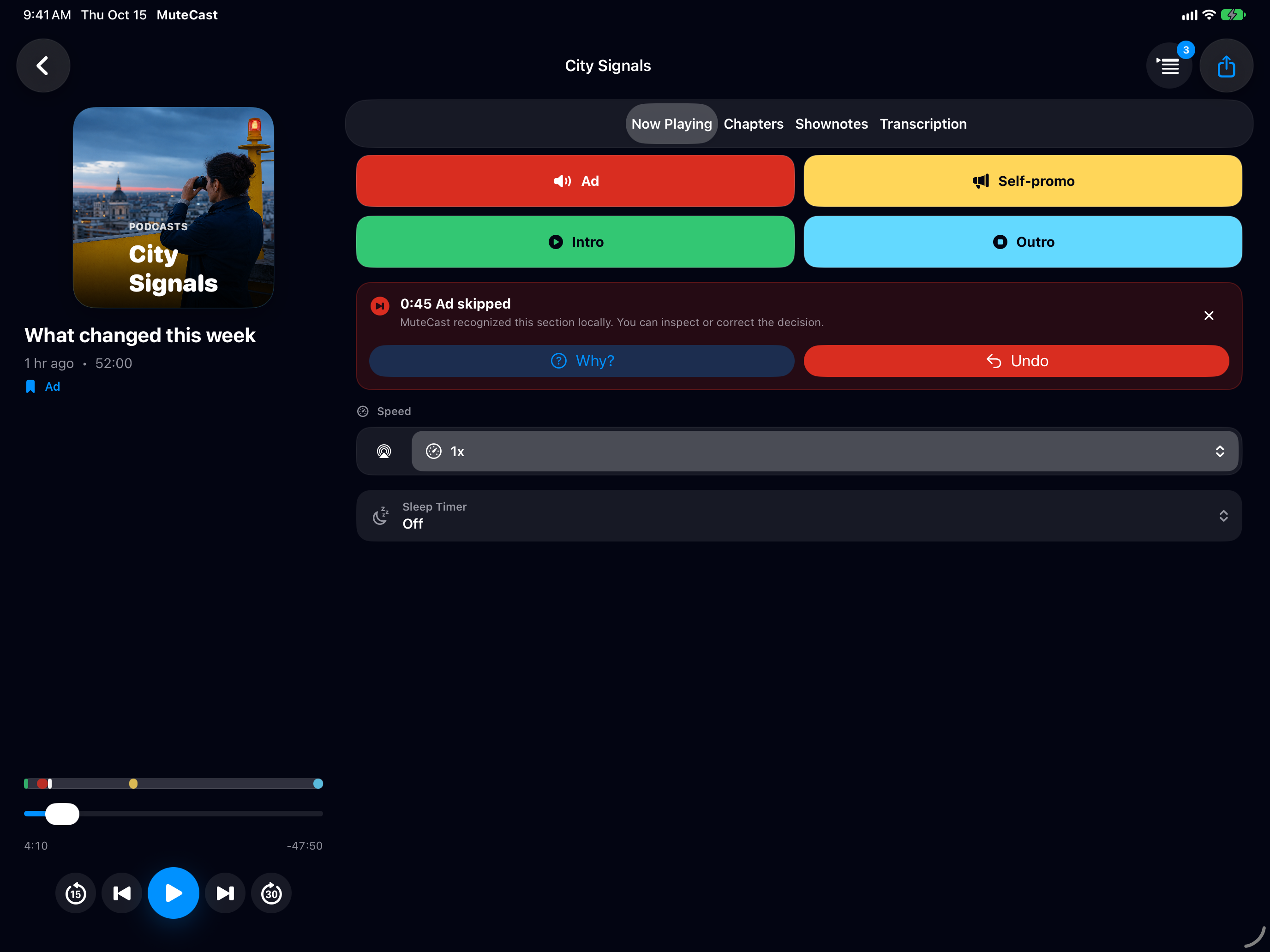
Teach MuteCast while listening
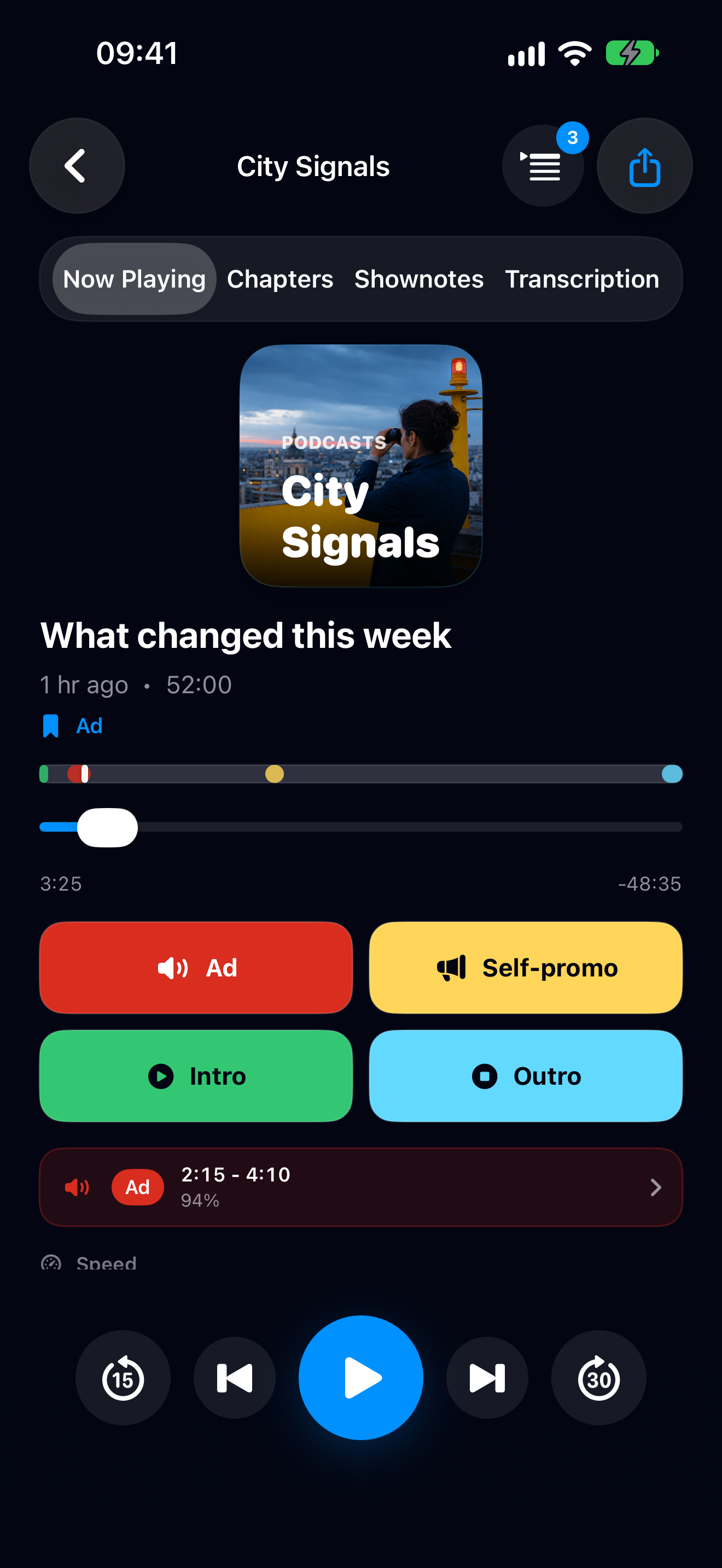
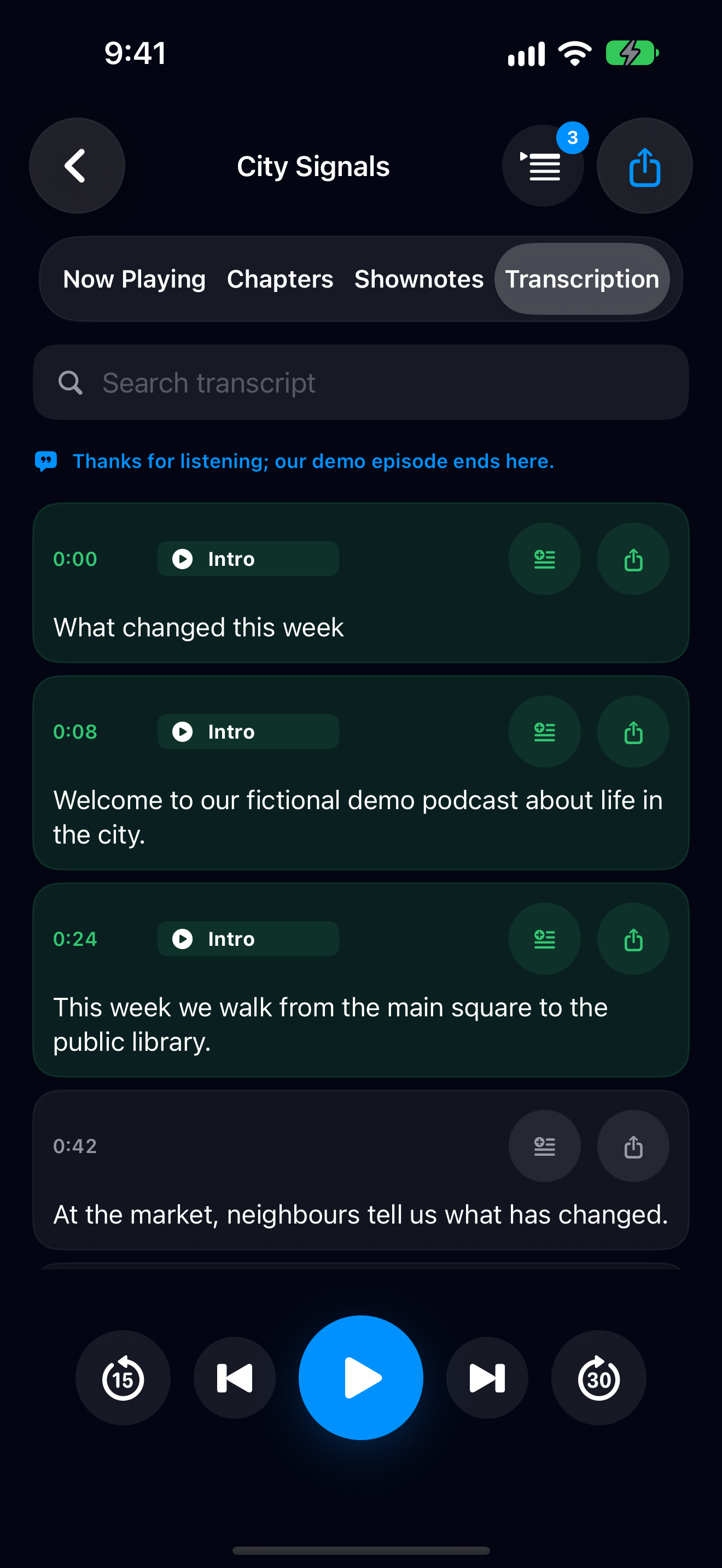
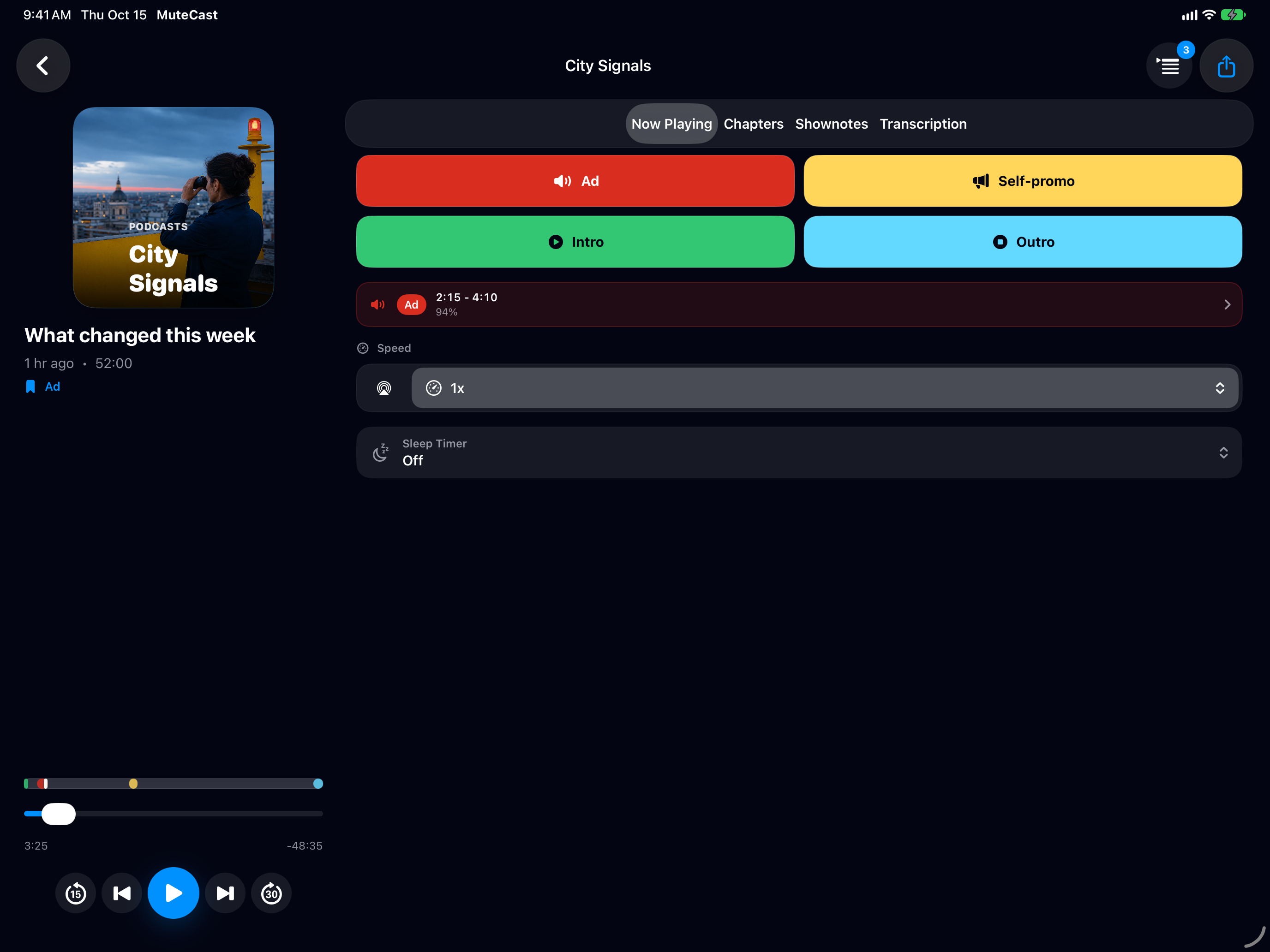
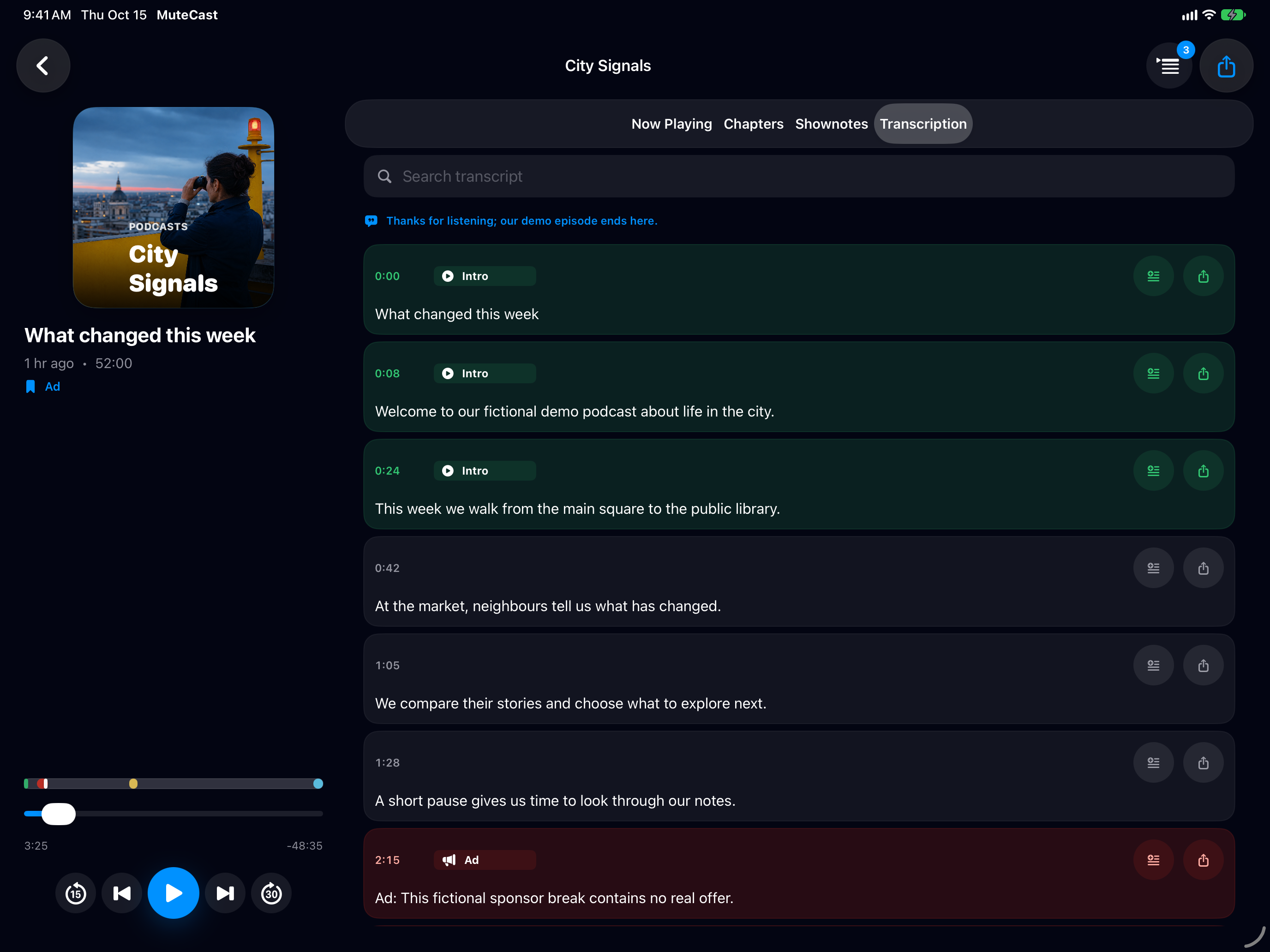
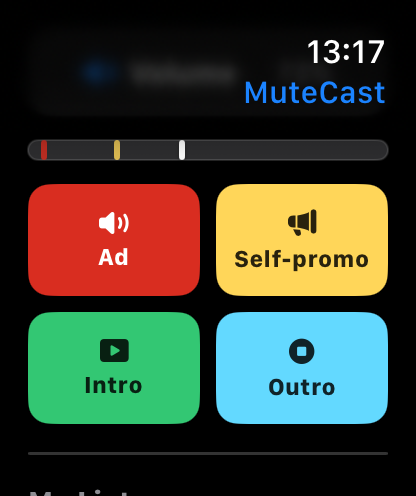
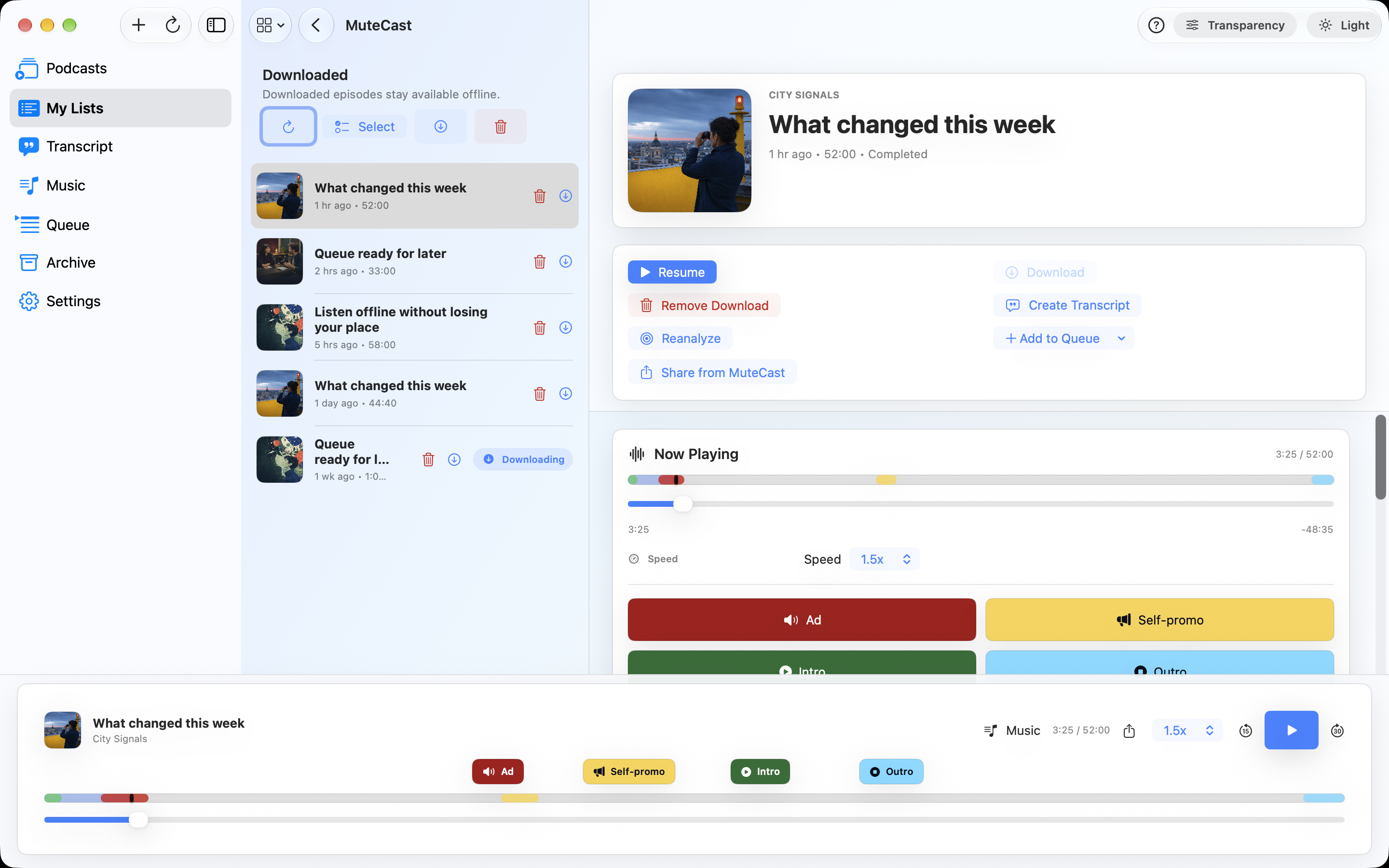
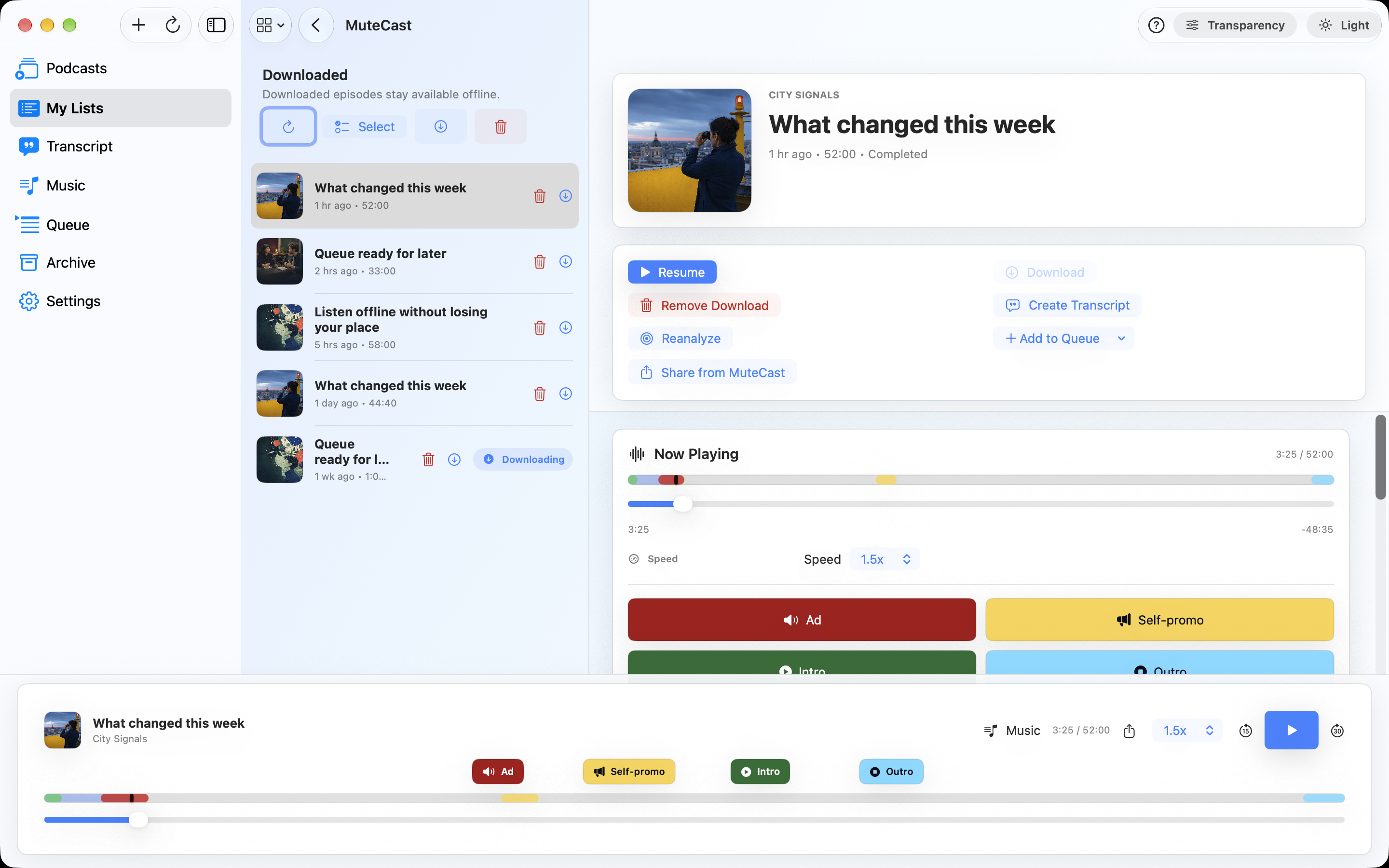
A timestamped transcript is required. When you hear a commercial passage, mark the current block; MuteCast stores both an immediate correction and a reusable pattern for this podcast.
-
Listen to podcasts, not interruptions.
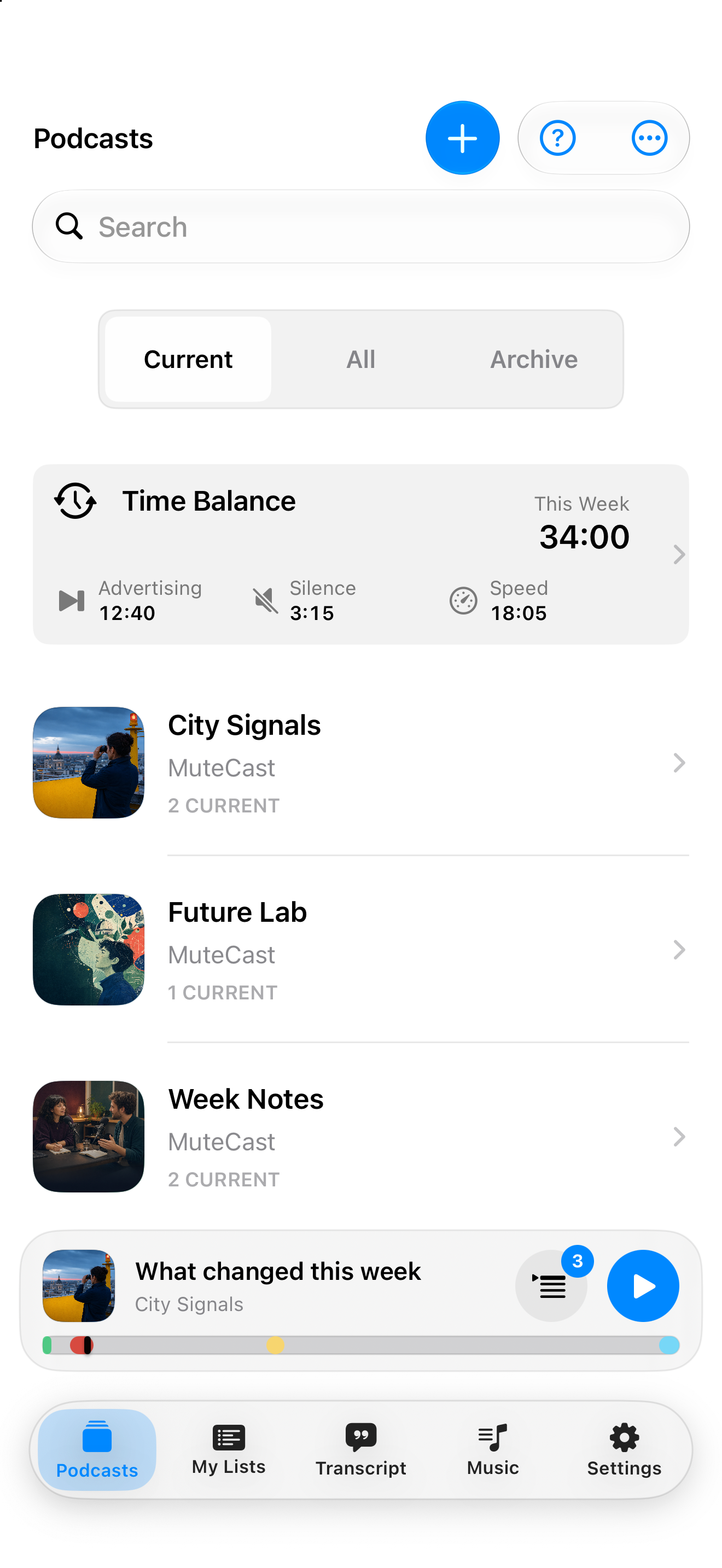
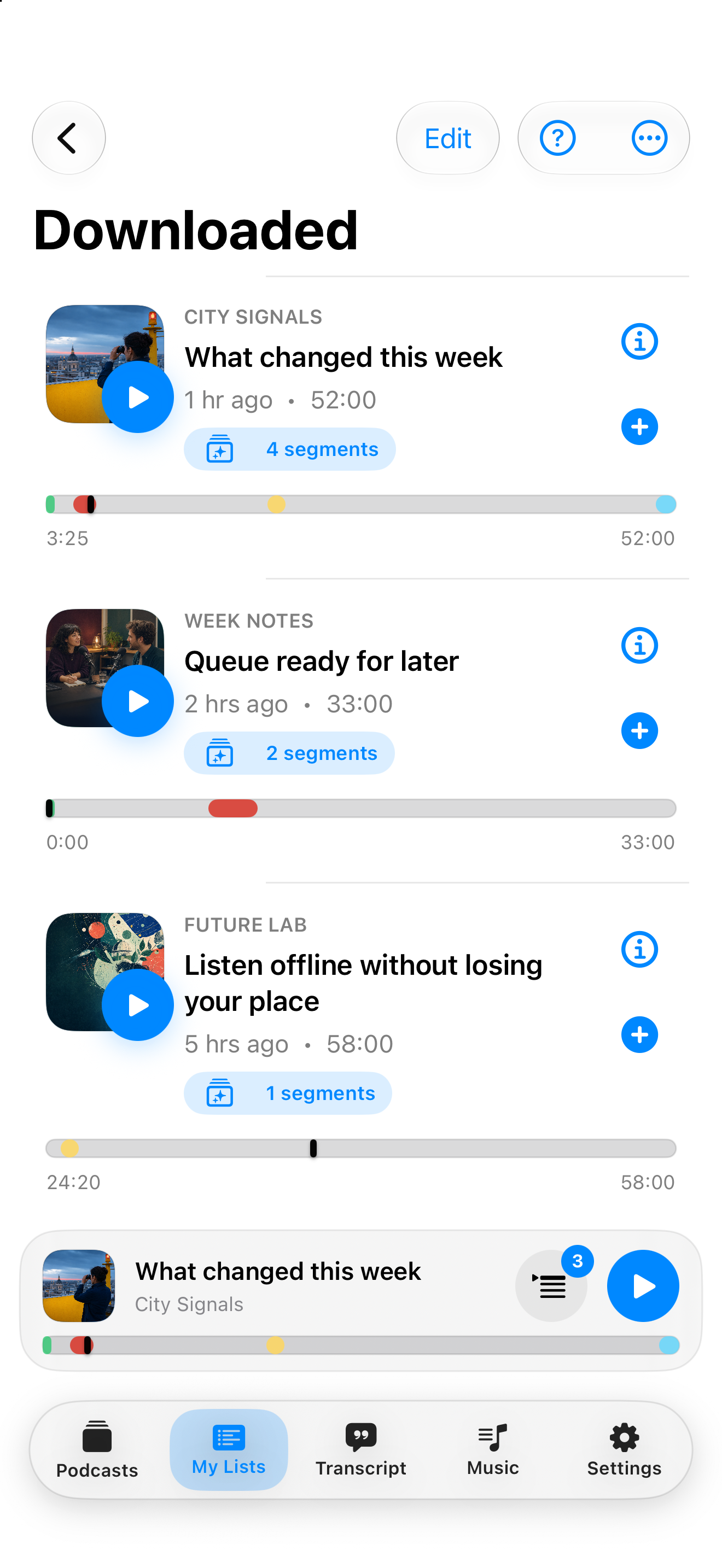
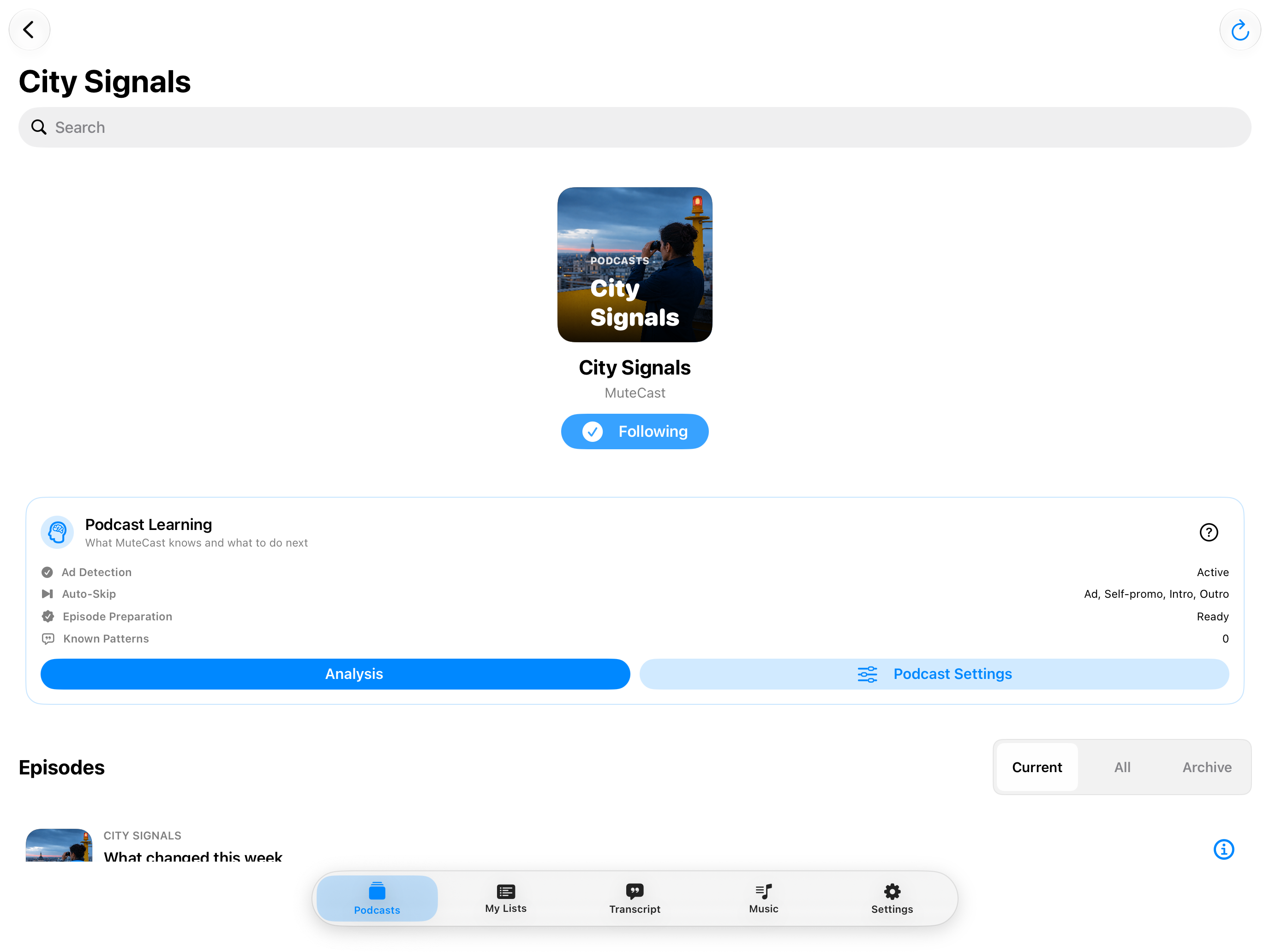
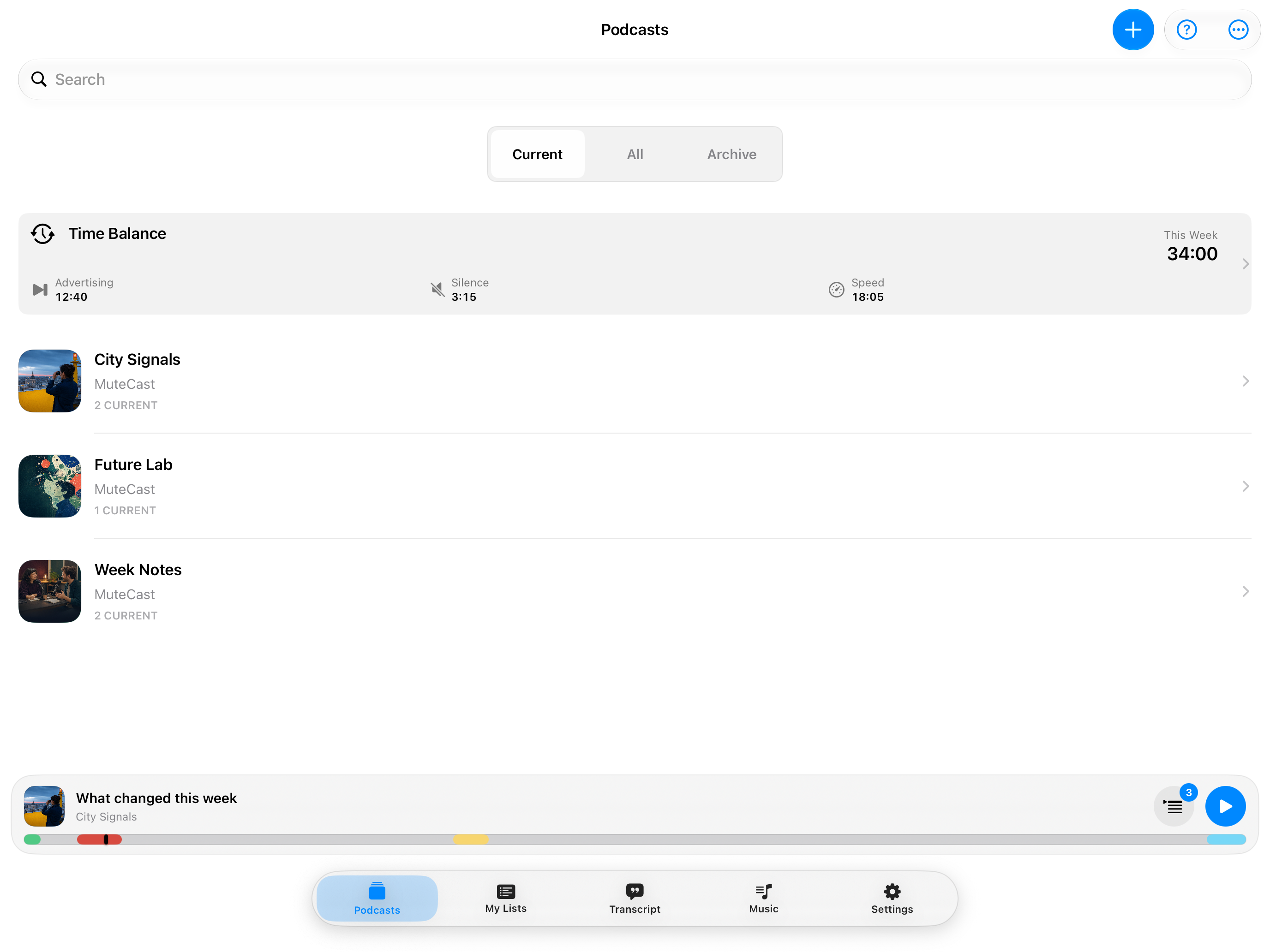
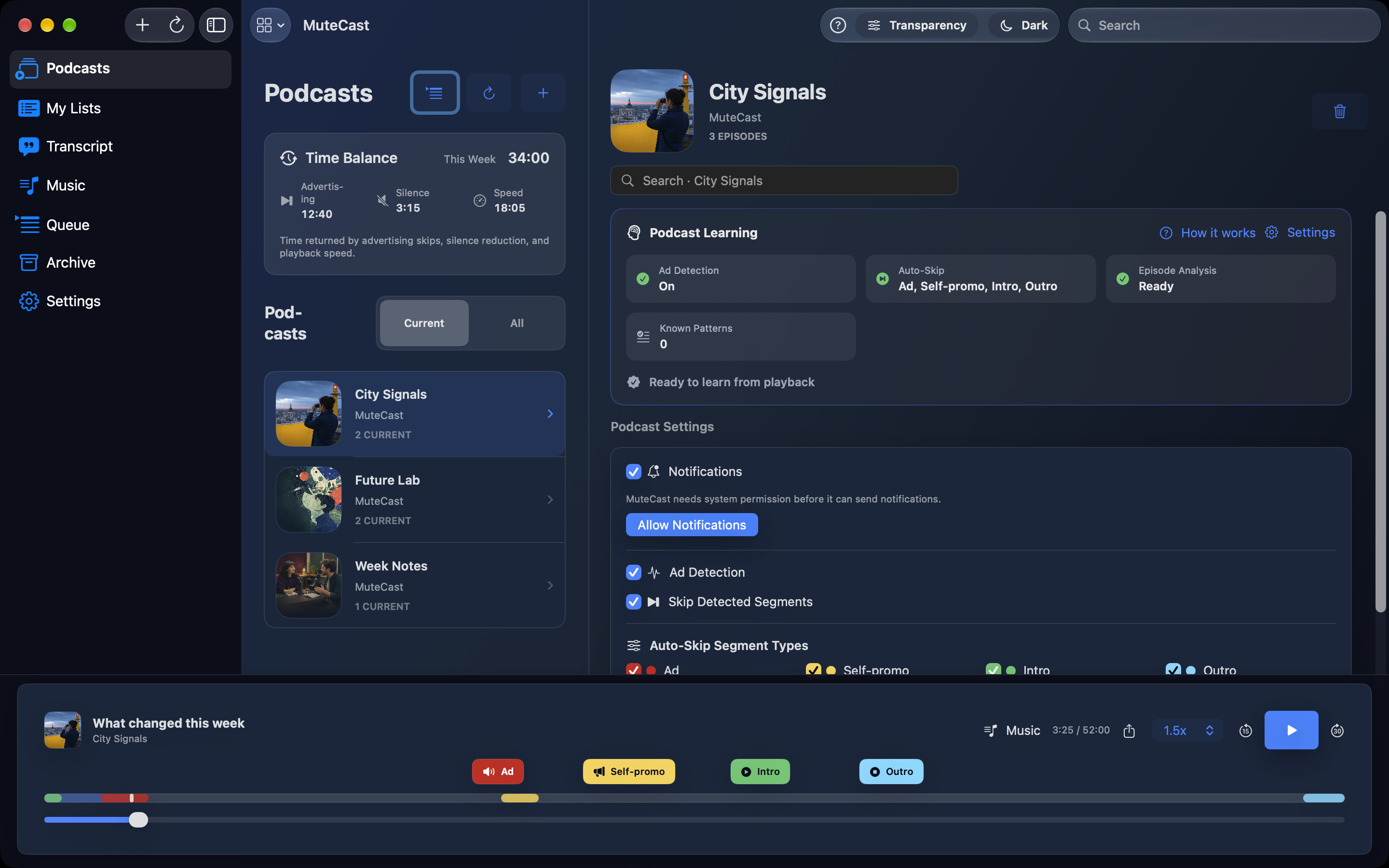
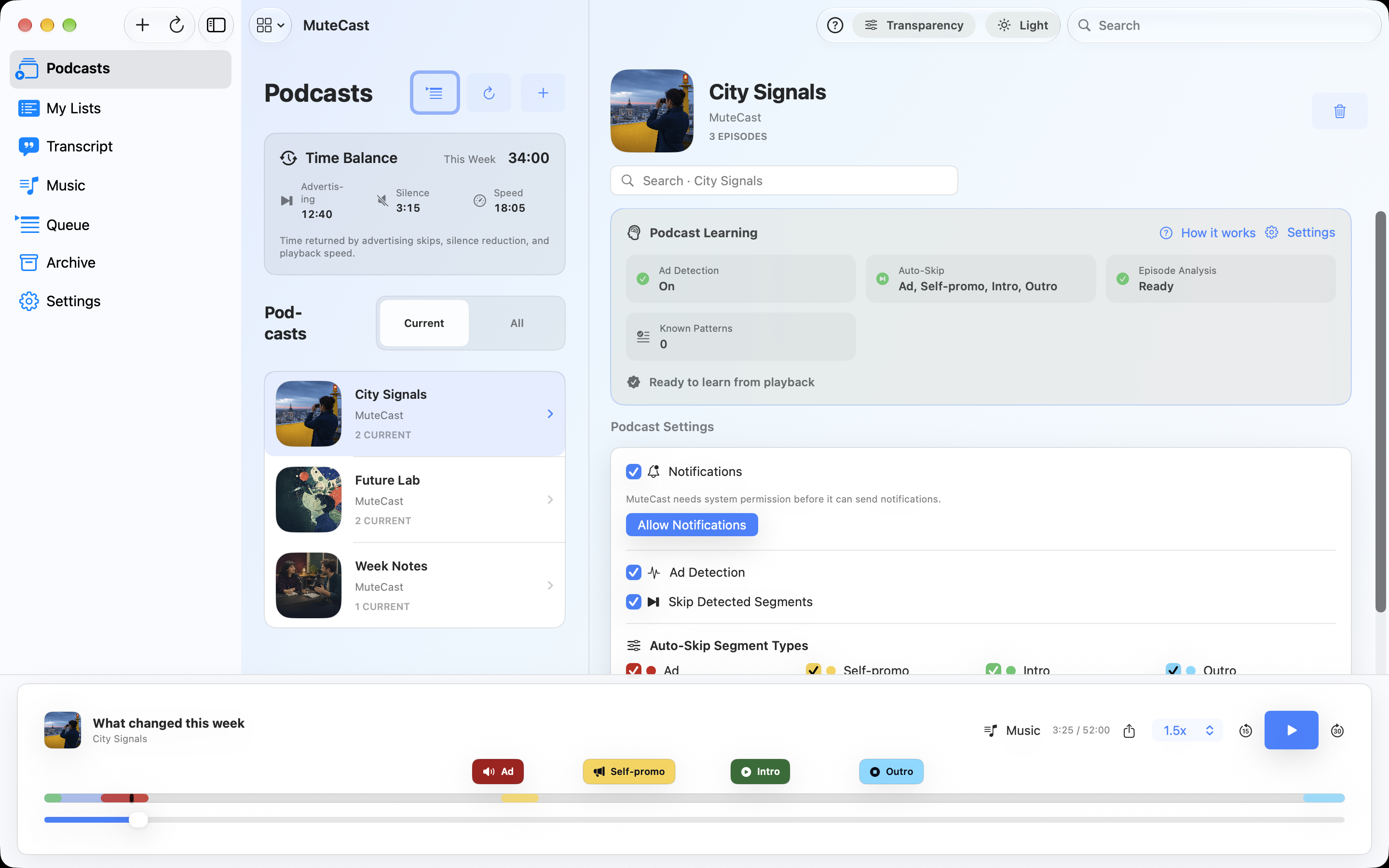
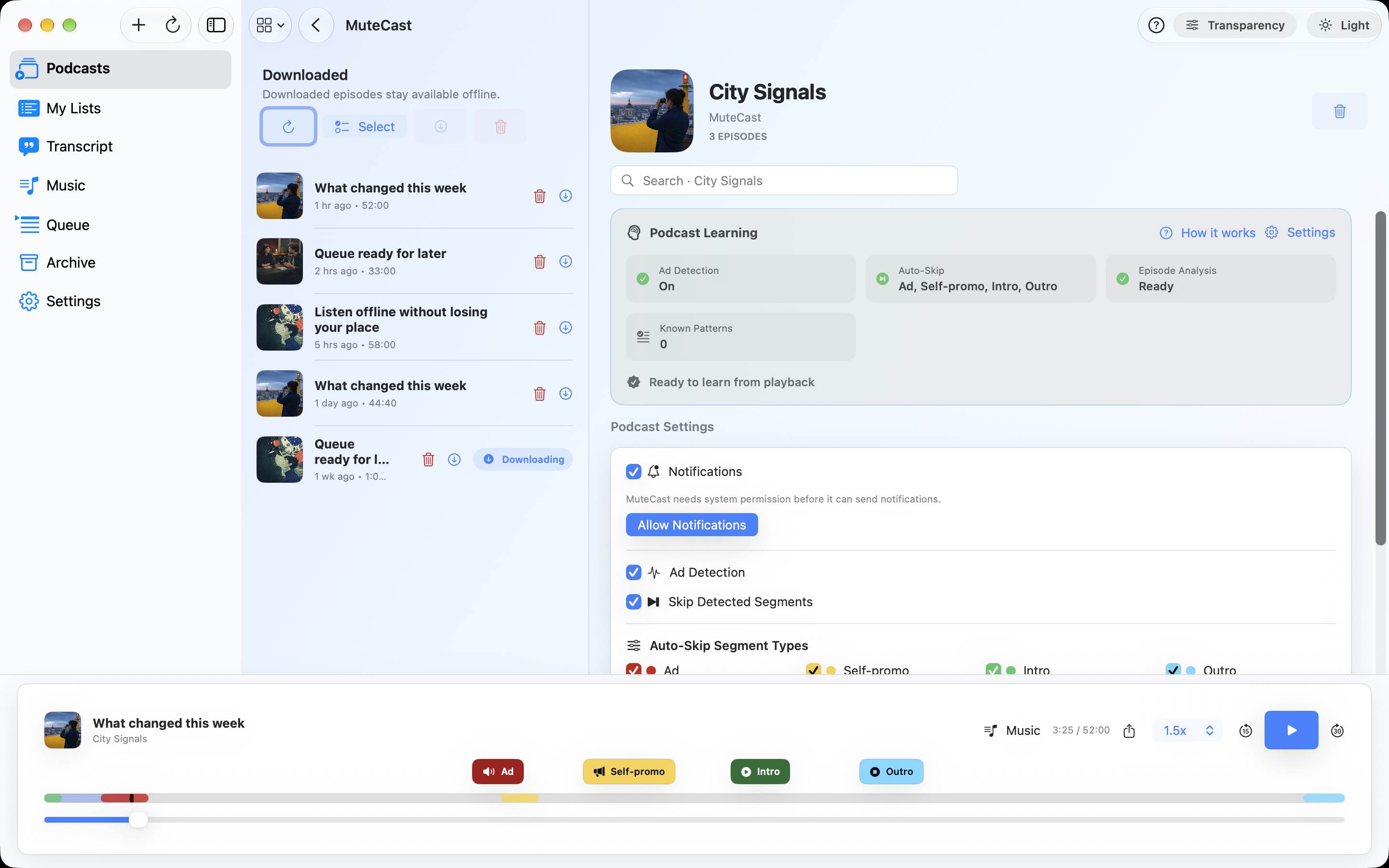
MuteCast combines subscriptions, offline playback, transcripts and on-device analysis. You decide for every podcast which detected passages may be skipped automatically.
-
Ad / Self-promotion
Choose the red button: Use it for third-party advertising. Choose the yellow button: Use it when the publisher promotes its own products, events or subscriptions.
-
Reuse the pattern
Later analyses compare the learned wording with other episodes of the same podcast. It is not applied globally.
-
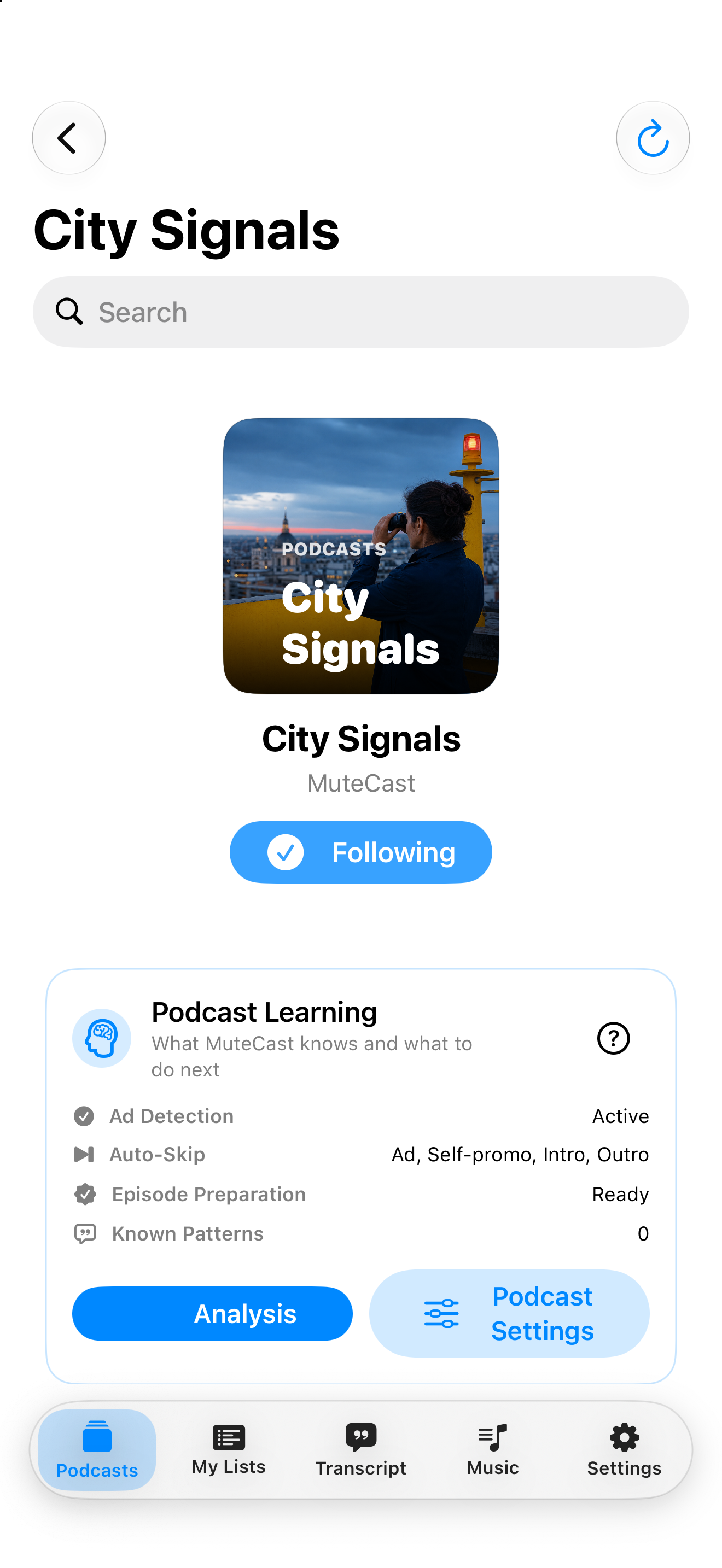
Skip detected segments
Later analyses compare the learned wording with other episodes of the same podcast. It is not applied globally. Enables Auto-Skip for the selected types. Turn it off when you only want visual markers.
Episode analysis runs on your device where supported. MuteCast uses no account, analytics or tracking SDK. Network access is still required for feeds, artwork, downloads and publisher-provided transcripts.
Skip podcast ads
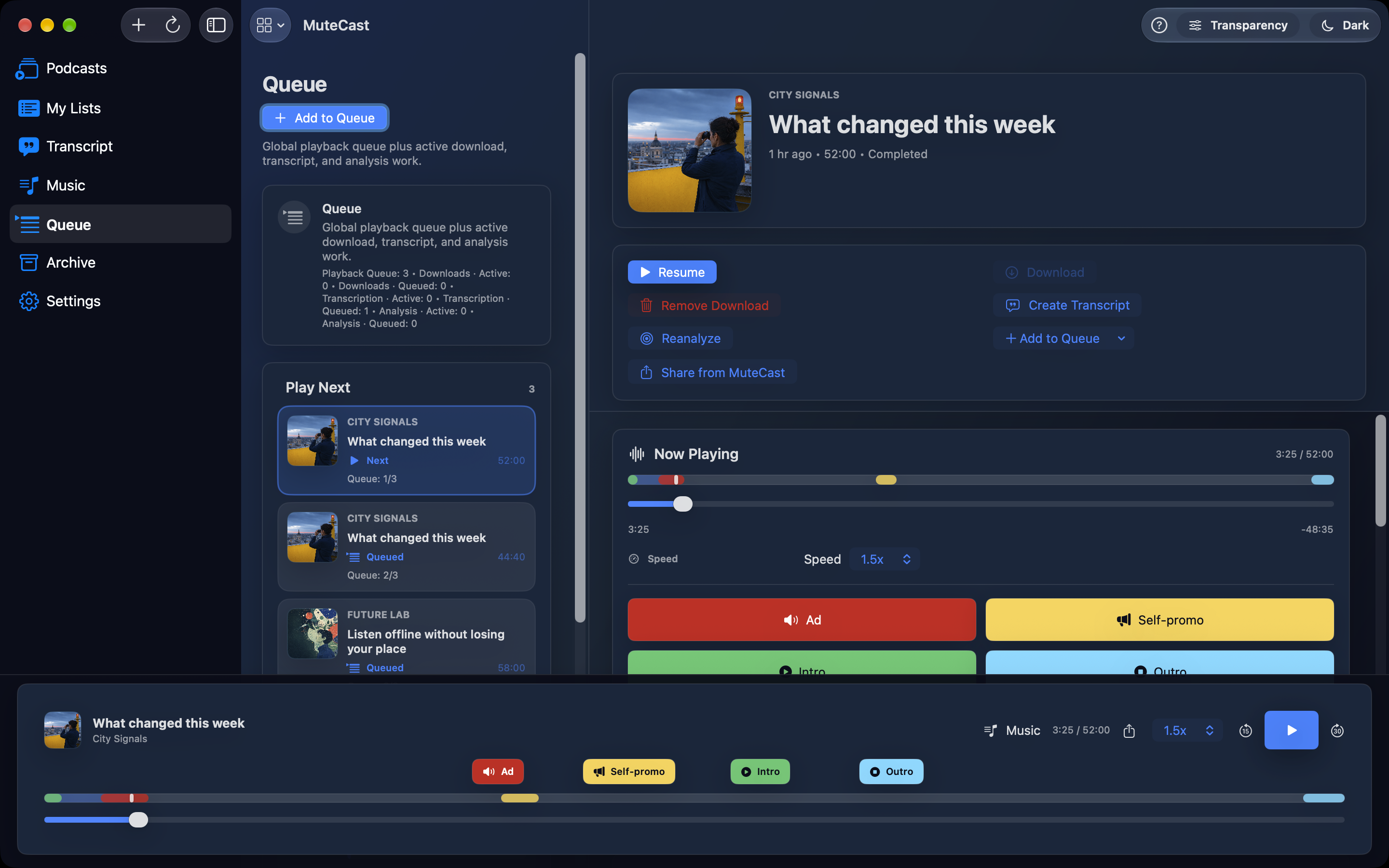
MuteCast combines subscriptions, offline playback, transcripts and on-device analysis. You decide for every podcast which detected passages may be skipped automatically. Podcast lists and players adapt to landscape on iPhone and iPad, with easier access to search and queue actions. Your search text and reading position are preserved when you rotate. Choose Light, Dark or System appearance directly in Settings.
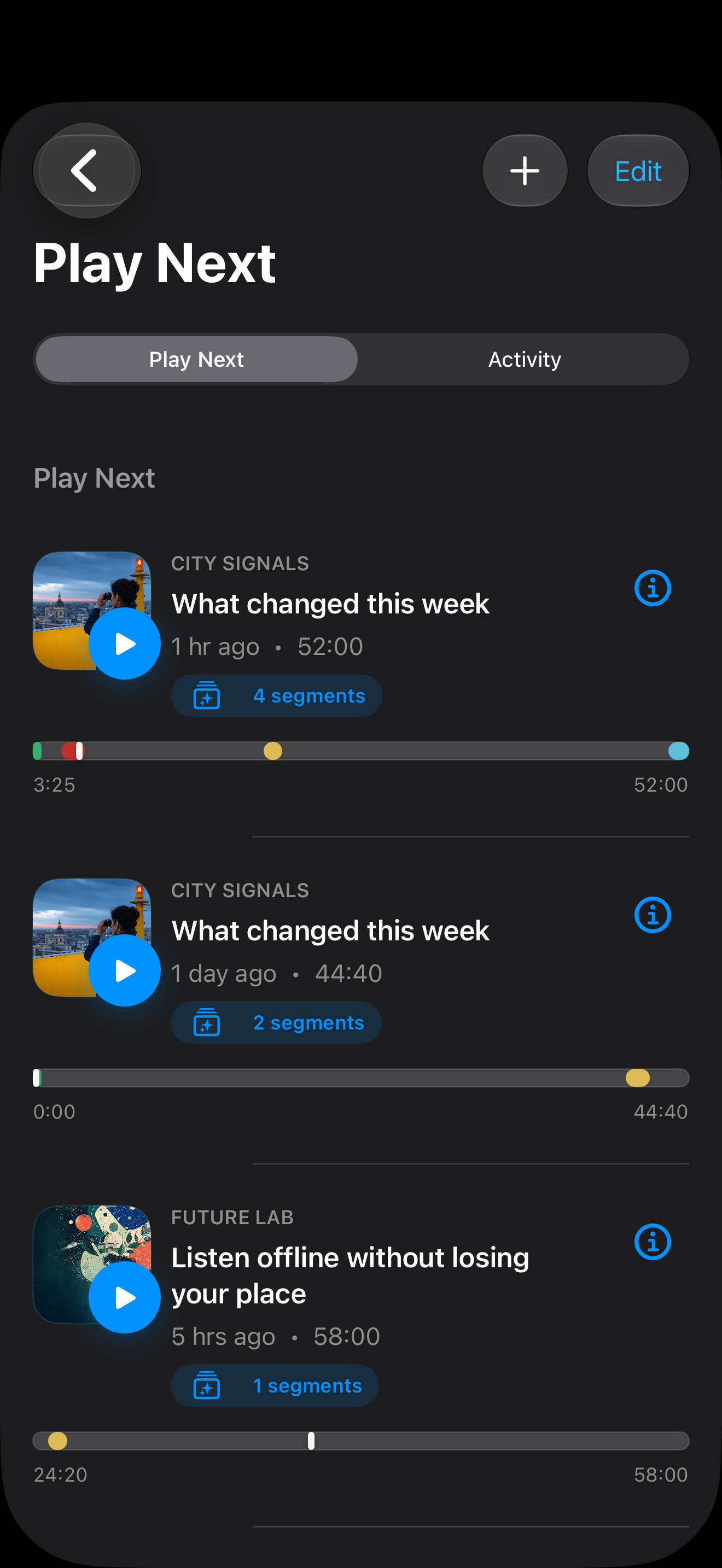
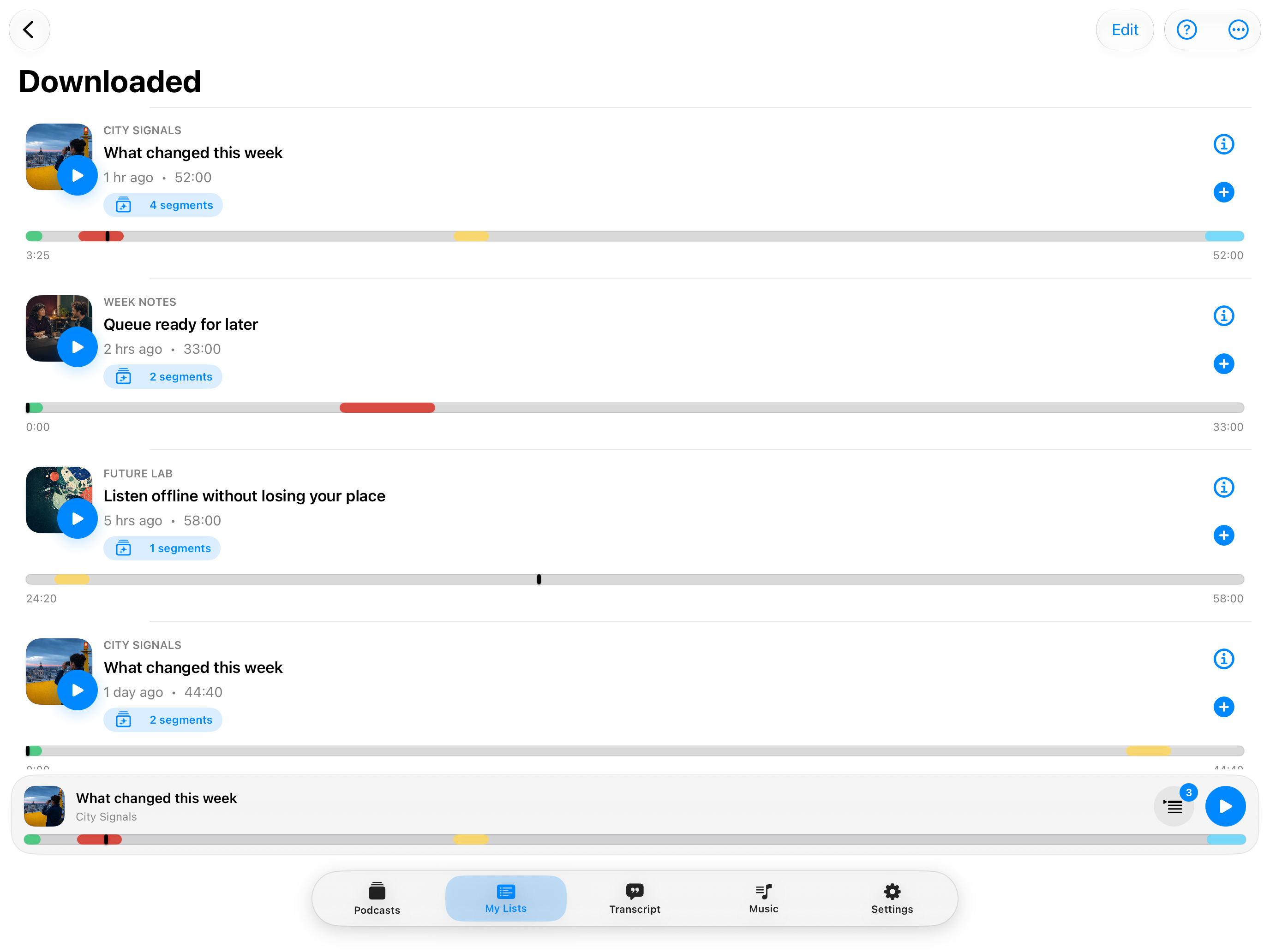
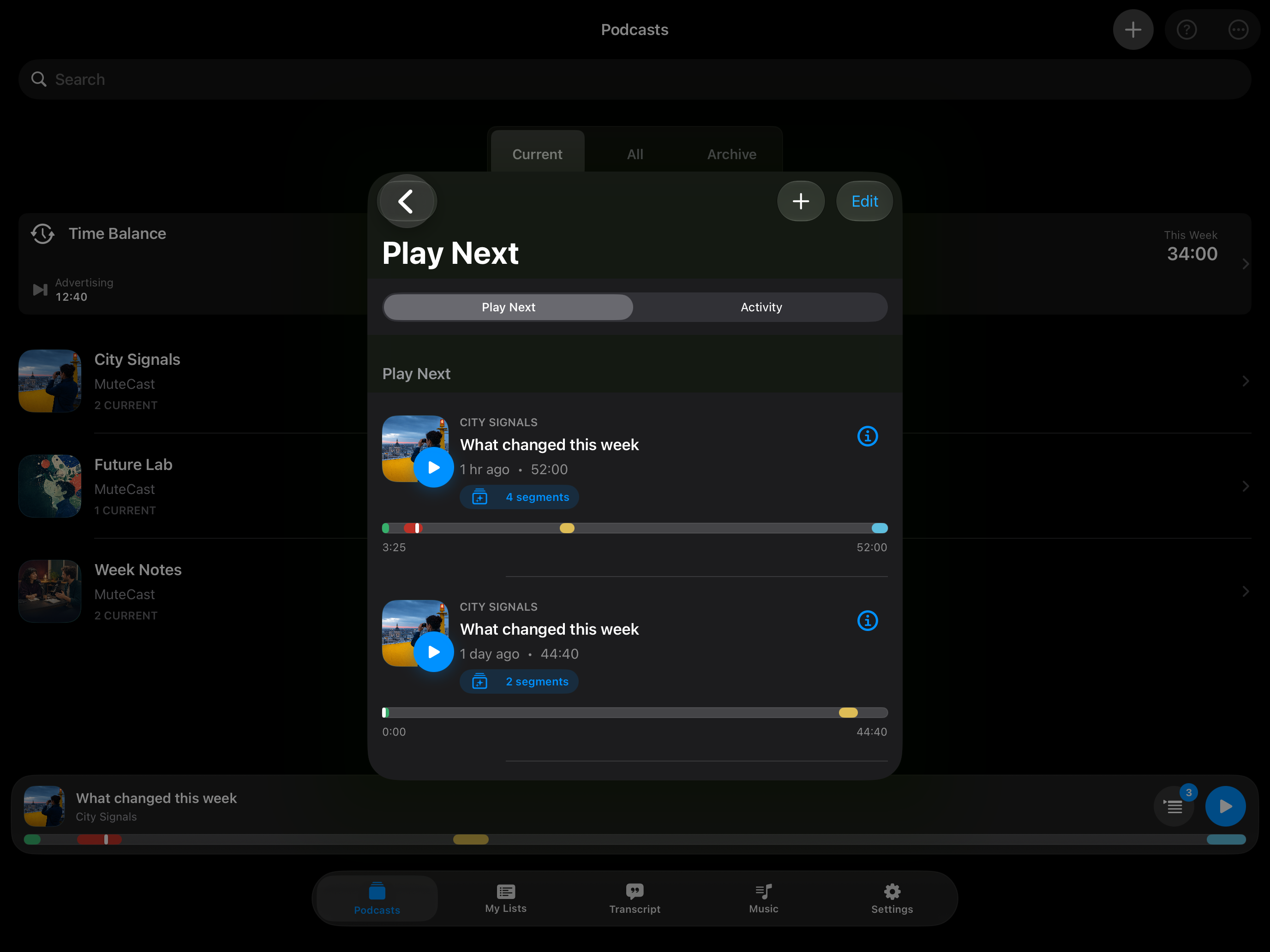
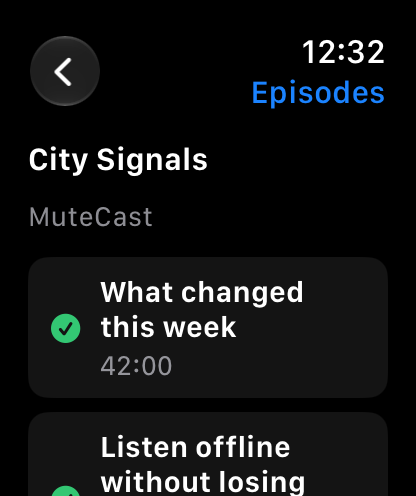
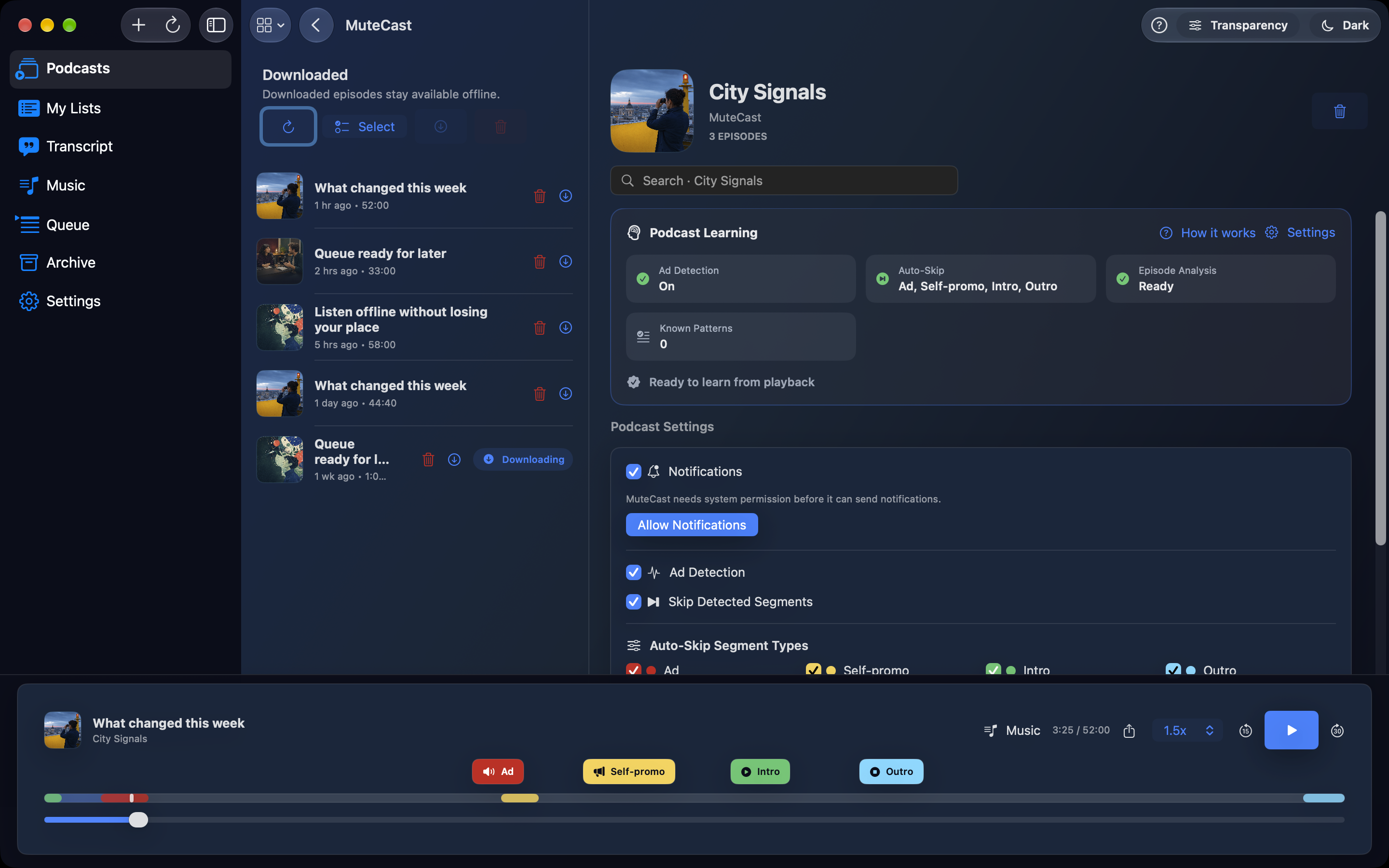
Subscriptions participate automatically; there is no separate auto-download switch. After refresh, eligible unplayed, unarchived episodes from the last seven days are queued, including previously discovered episodes. Reopening MuteCast checks for pending feed updates, downloads, transcription and analysis. Background execution is limited by the system; overnight completion is not guaranteed. Automatic downloads respect your network settings and download limits.
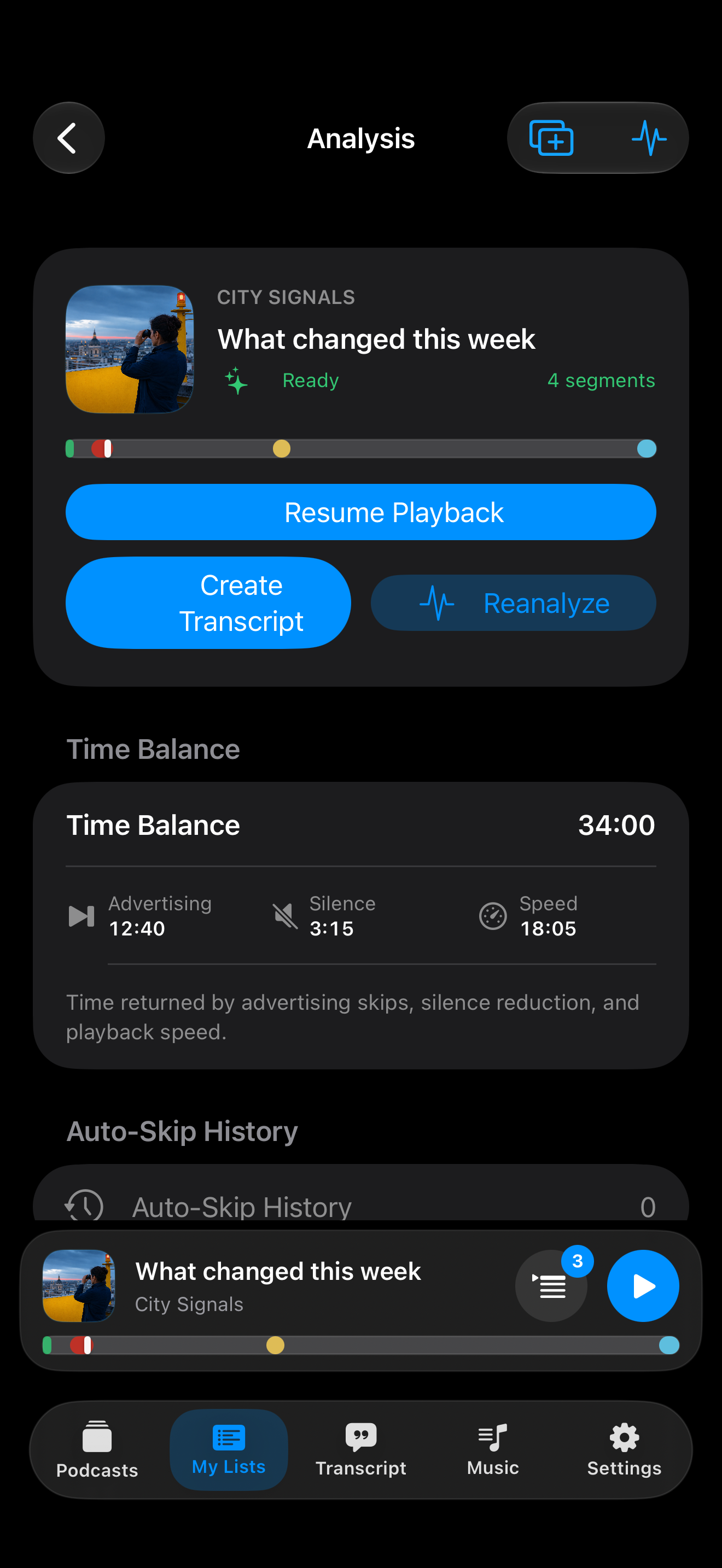
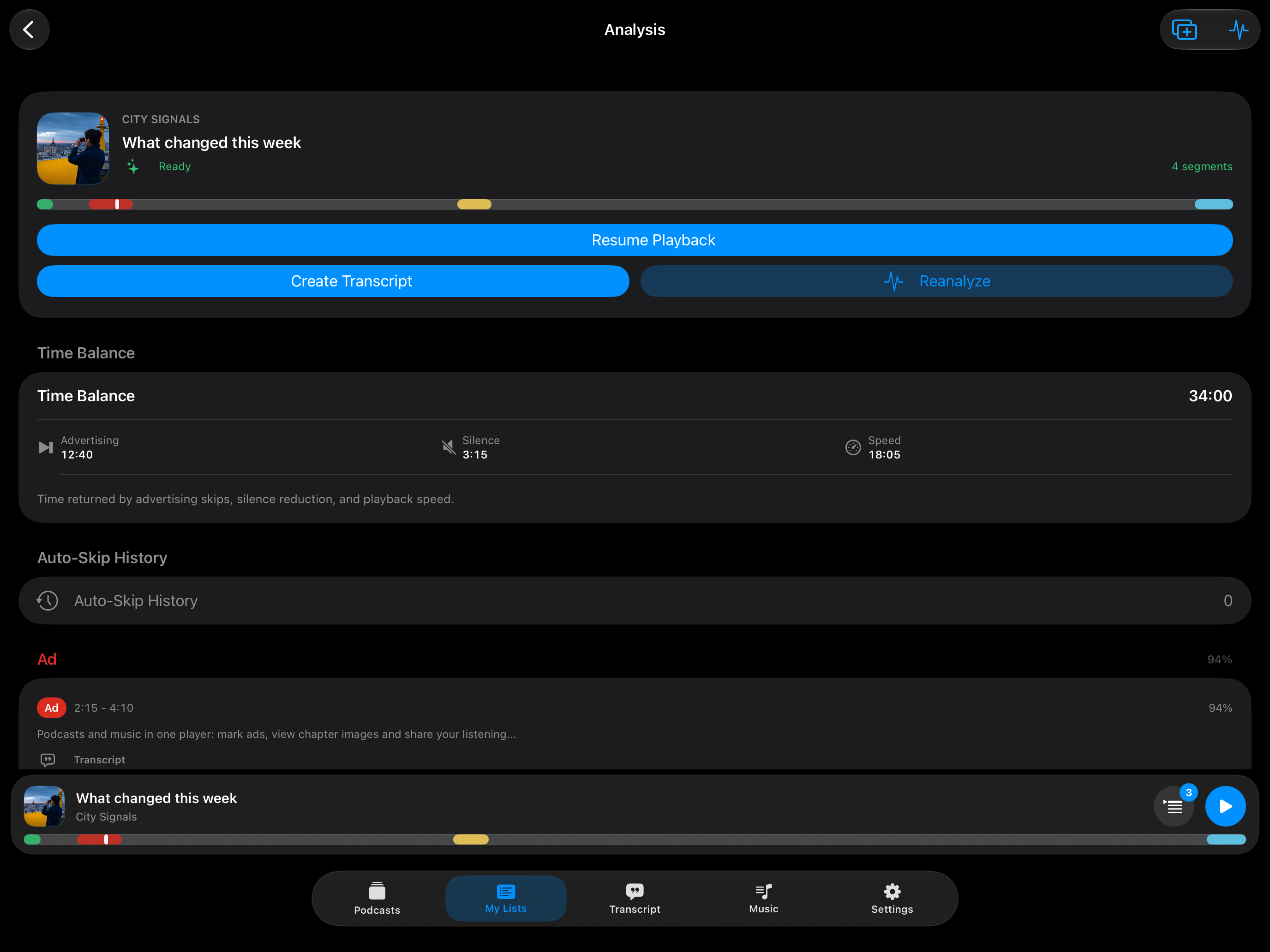
Detect likely ads, self-promos, intros and outros on your device. Choose which types may be skipped for each podcast; other types play normally. Detection draws on available transcripts, chapters, show notes, known patterns and audio cues. Where available, MuteCast compares locally transcribed audio with the publisher's transcript. Extra spoken passages can provide evidence of inserted ads, but transcript differences alone are not a guarantee. Show notes and explicitly linked Linktree sponsor profiles provide additional context. Access needs a network connection. A sponsor name alone is insufficient; the spoken passage needs matching commercial evidence. Your transcript is not sent to these pages.
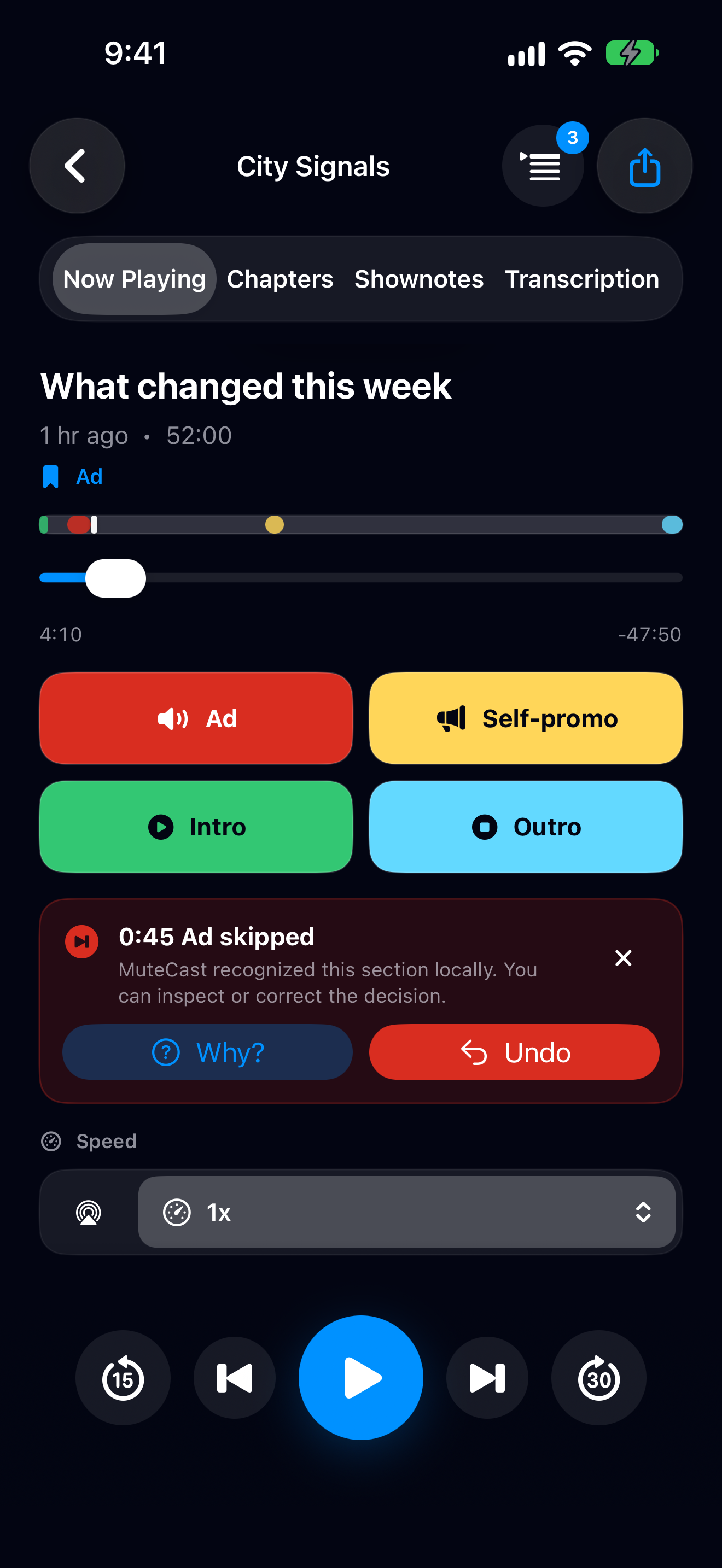
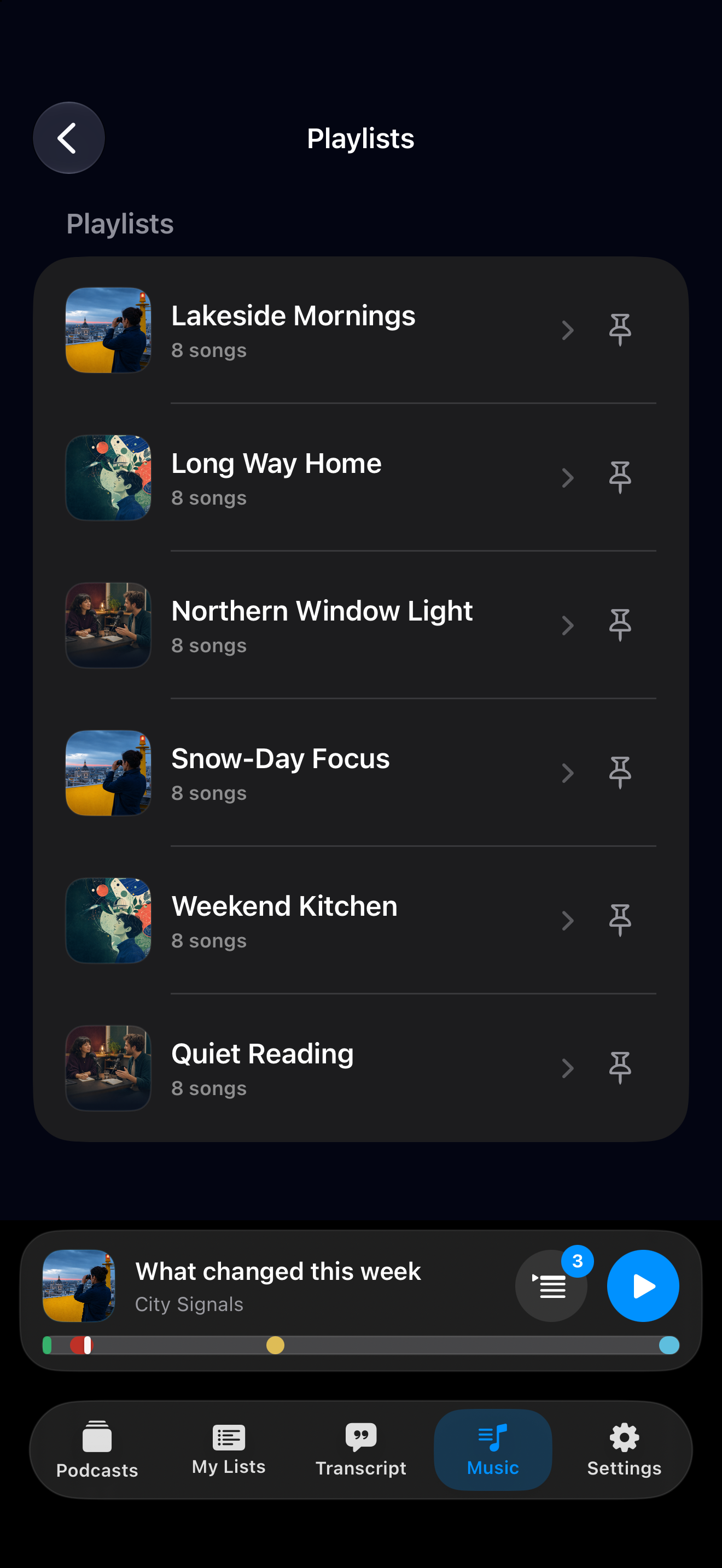
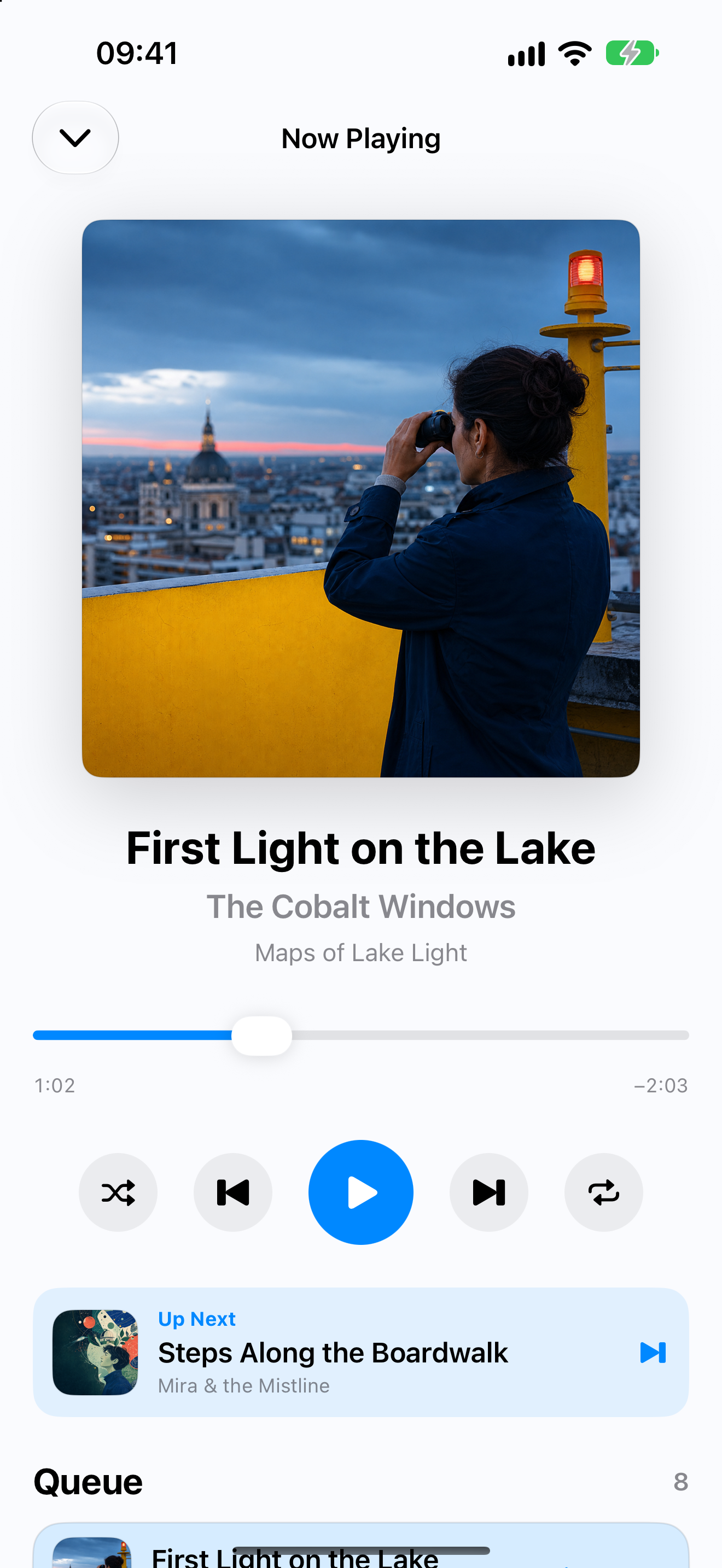
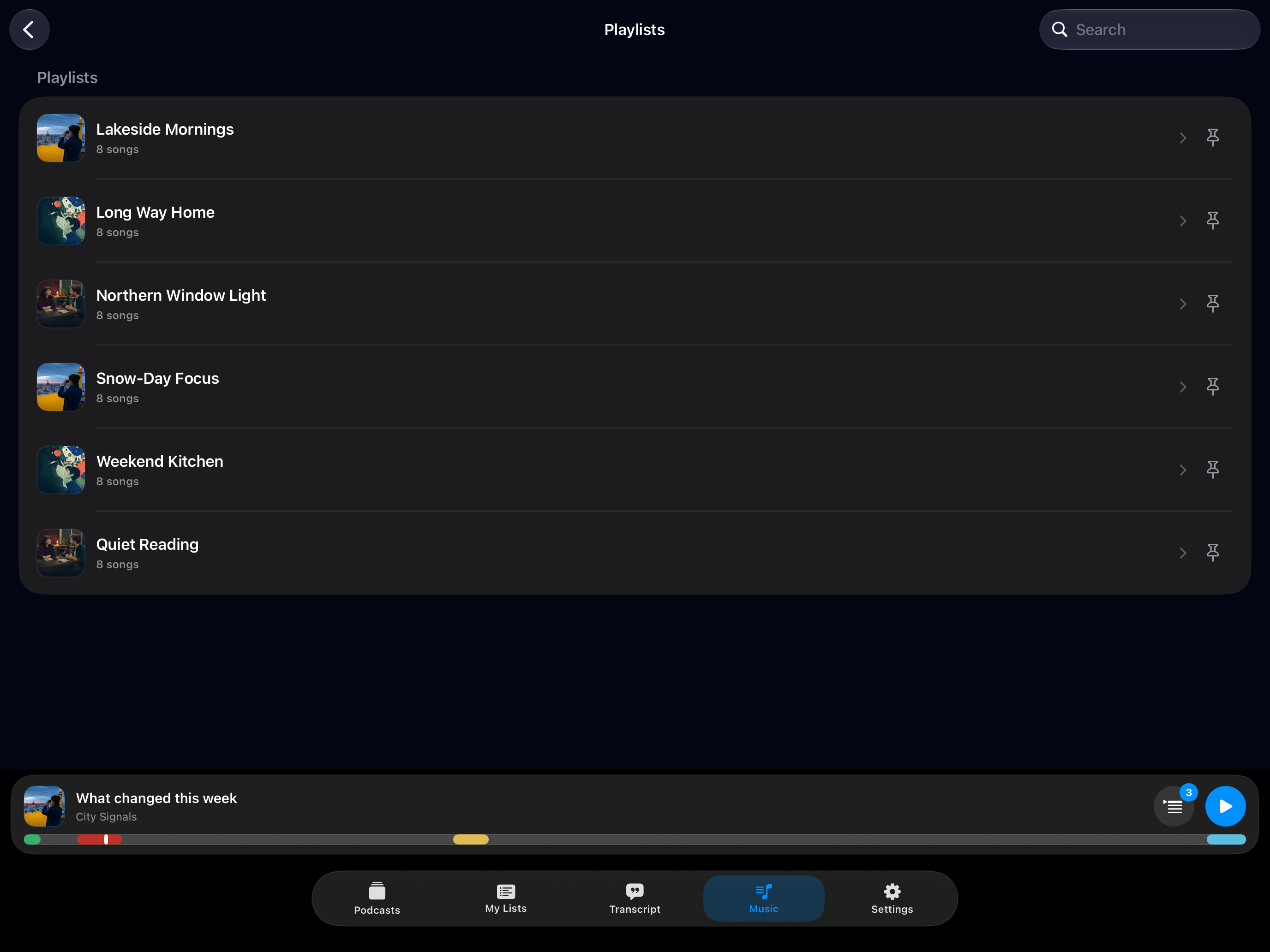
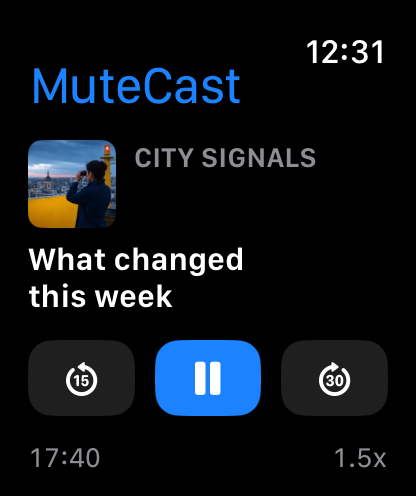
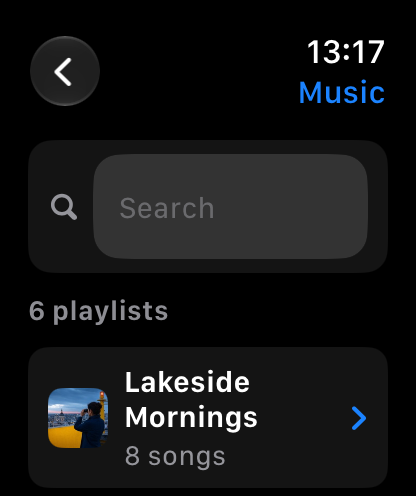
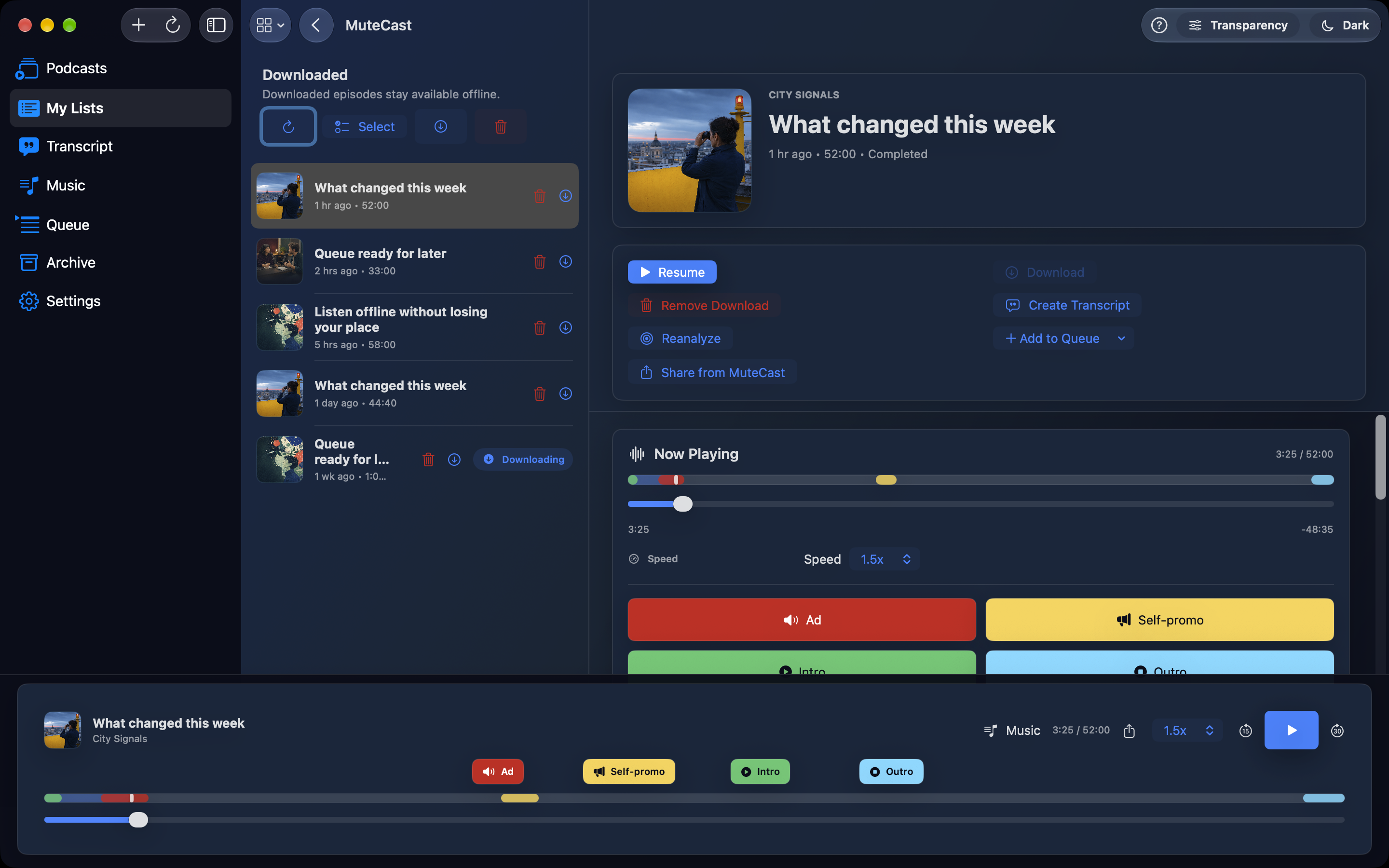
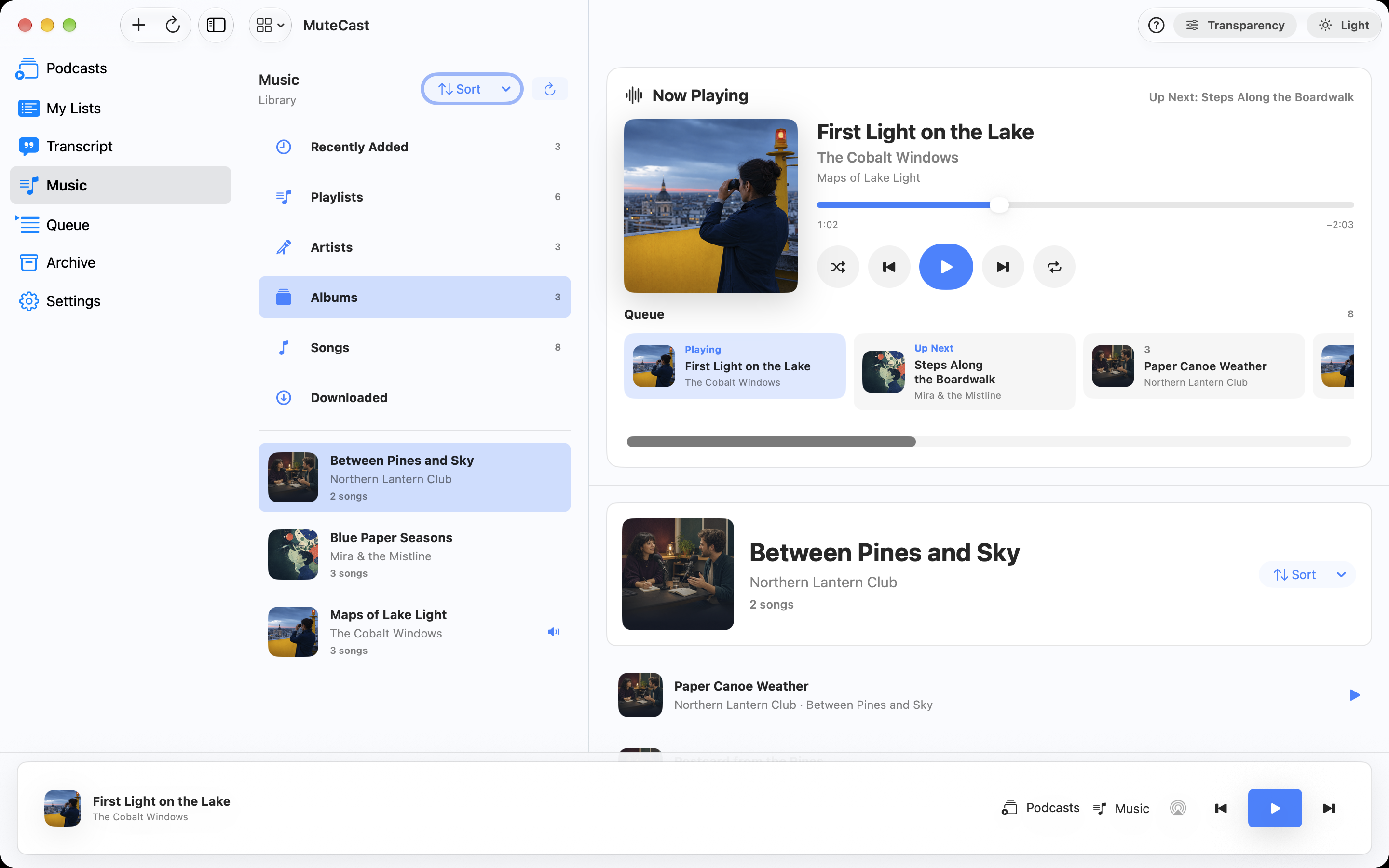
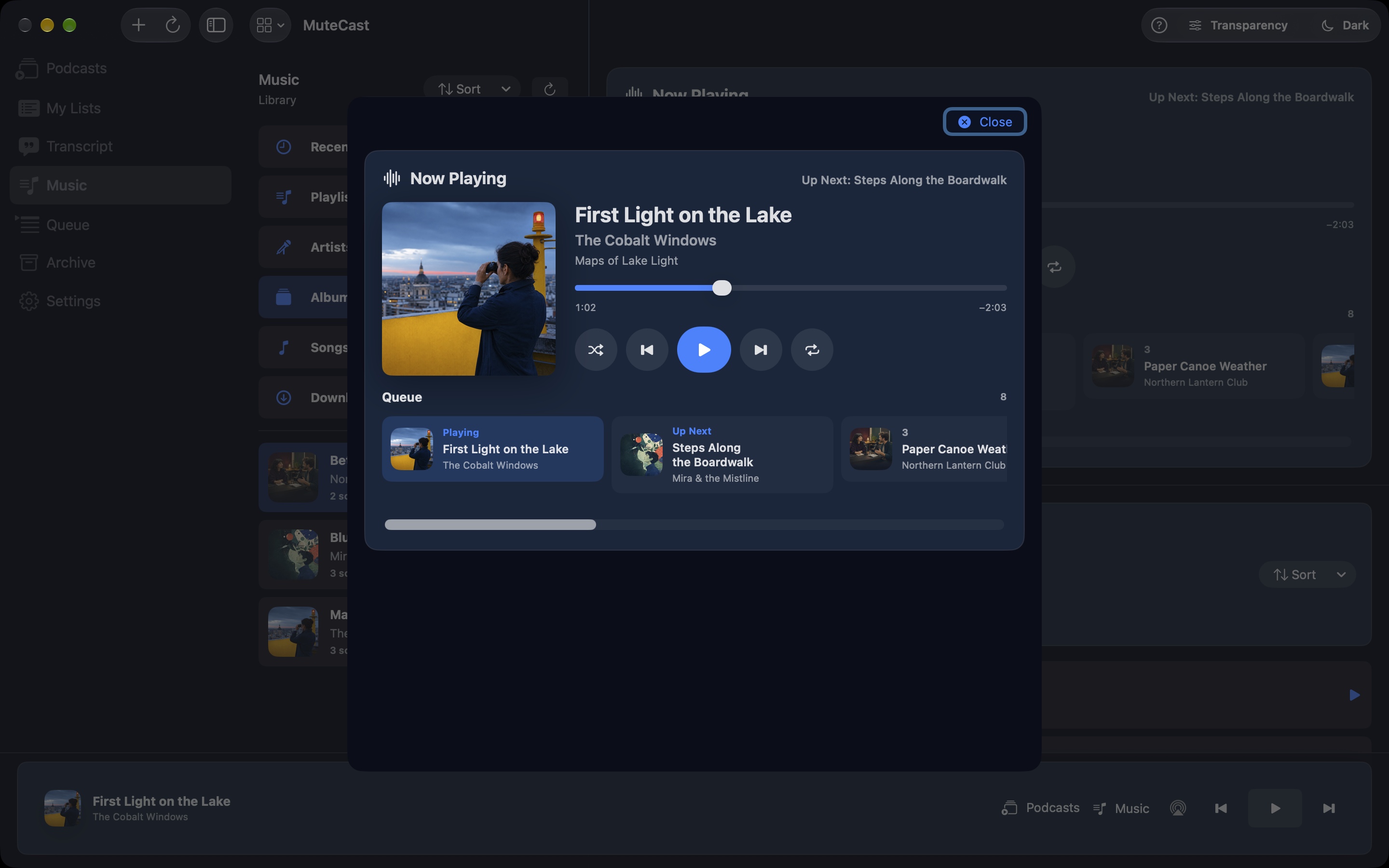
The timeline shows detected segments and confidence. Skip History records automatic skips with reasons and lets you return to the original position later. Review the transcript and correct a label; corrections inform future analysis for that podcast. Search available transcripts across your library, jump to a match and share text quotes. Browse playlists, artists, albums and songs in your Apple Music library. Use a full-screen player with artwork, position control, previous/next, visible queue, shuffle and repeat. Search and choose list sorting; pin playlists for Watch and CarPlay. Music and podcasts have separate playback positions. Music access depends on your library and Apple permissions; some content requires an Apple Music subscription.
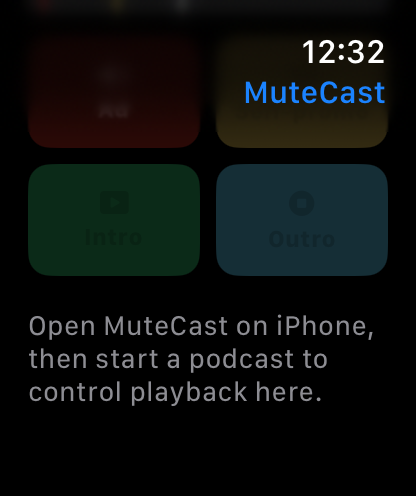
Analysis happens on your device. No MuteCast account, analytics, tracking SDKs, server-side analysis or in-app ads. The four marking buttons for ads, self-promotion, intros and outros respect the podcast's Auto-Skip types and are disabled without a readable timed transcript. Donation appeals count as self-promotion; the Uncertain switch is removed.
MuteCast: Podcast lists and players adapt to landscape on iPhone and iPad, with easier access to search and queue actions. Your search text and reading position are preserved when you rotate. Choose Light, Dark or System appearance directly in Settings.